
Works well
- .docx files from Microsoft Word, Google Docs, Pages or LibreOffice
- Essays, reports, letters and meeting notes
- Paragraphs and line breaks are kept
- Files up to 10 MB
Free · No sign-up · No watermark
Convert a Word document into handwritten notes without retyping it. Import a DOCX file, check the extracted text, and choose a paper and handwriting style before exporting.
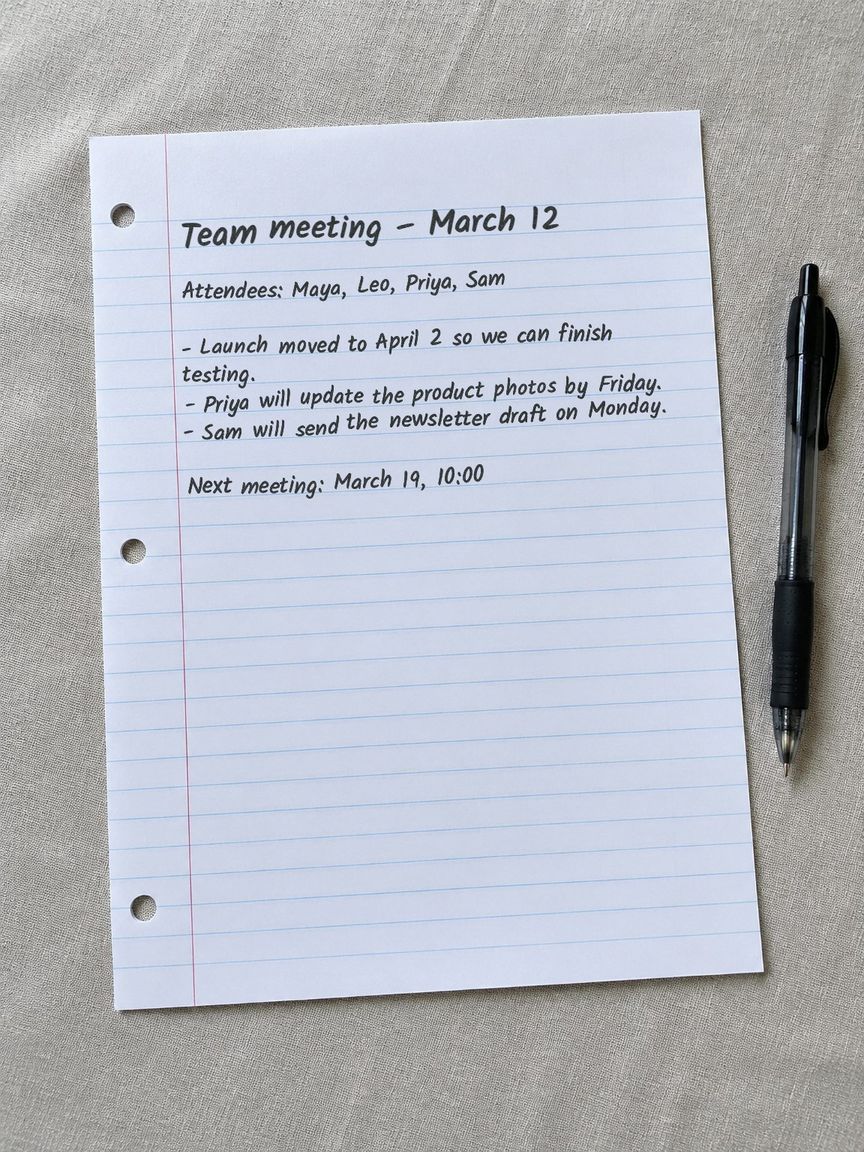
The same meeting notes, typed in Word and handwritten on loose-leaf paper.
Attendees: Maya, Leo, Priya, Sam - Launch moved to April 2 so we can finish testing. - Priya will update the product photos by Friday. - Sam will send the newsletter draft on Monday. Next meeting: March 19, 10:00
Use a Word draft for a letter, a reading summary or your own notes. The text and paragraph breaks are set out again on a new handwritten page; the Word layout itself isn't kept.
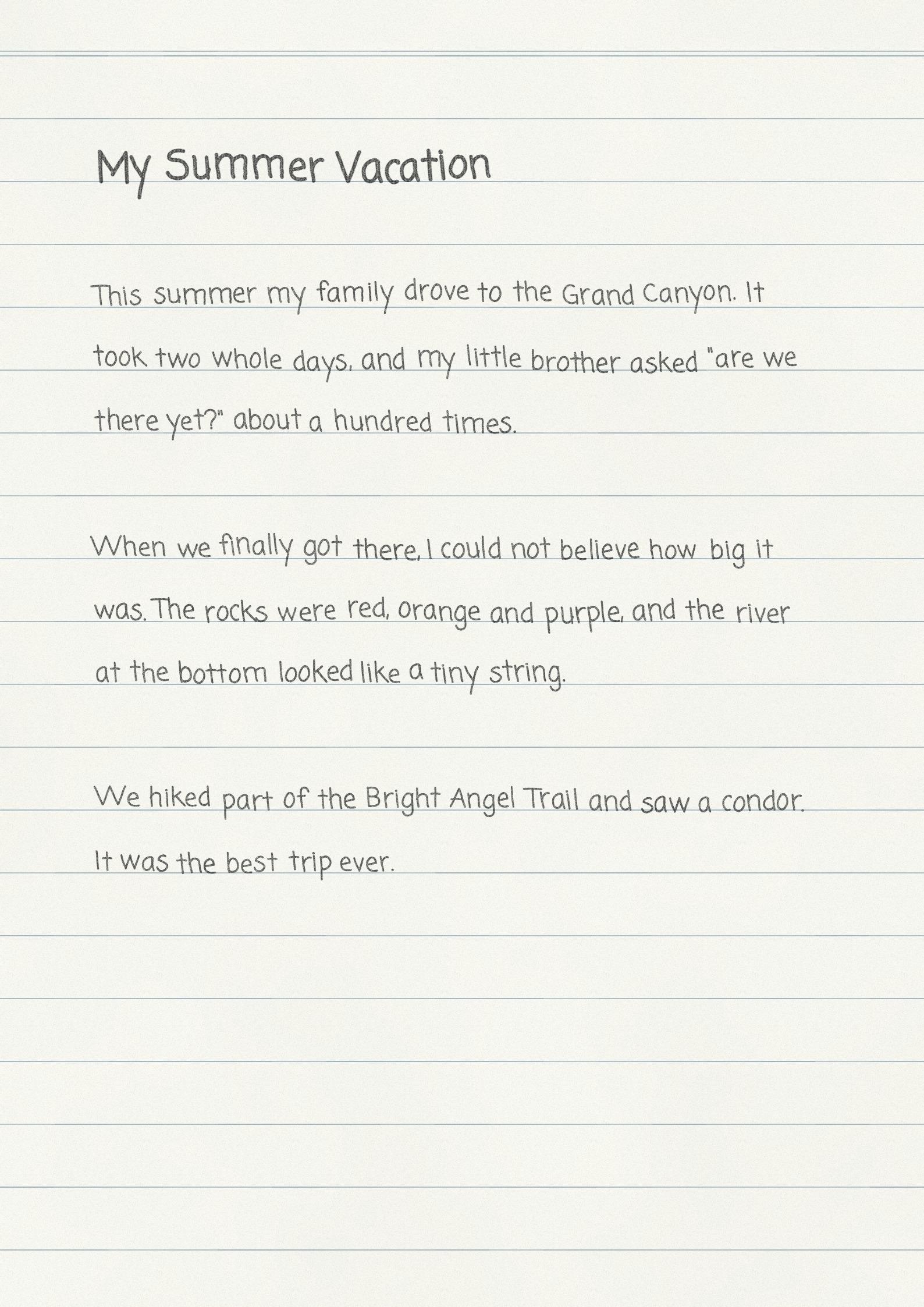
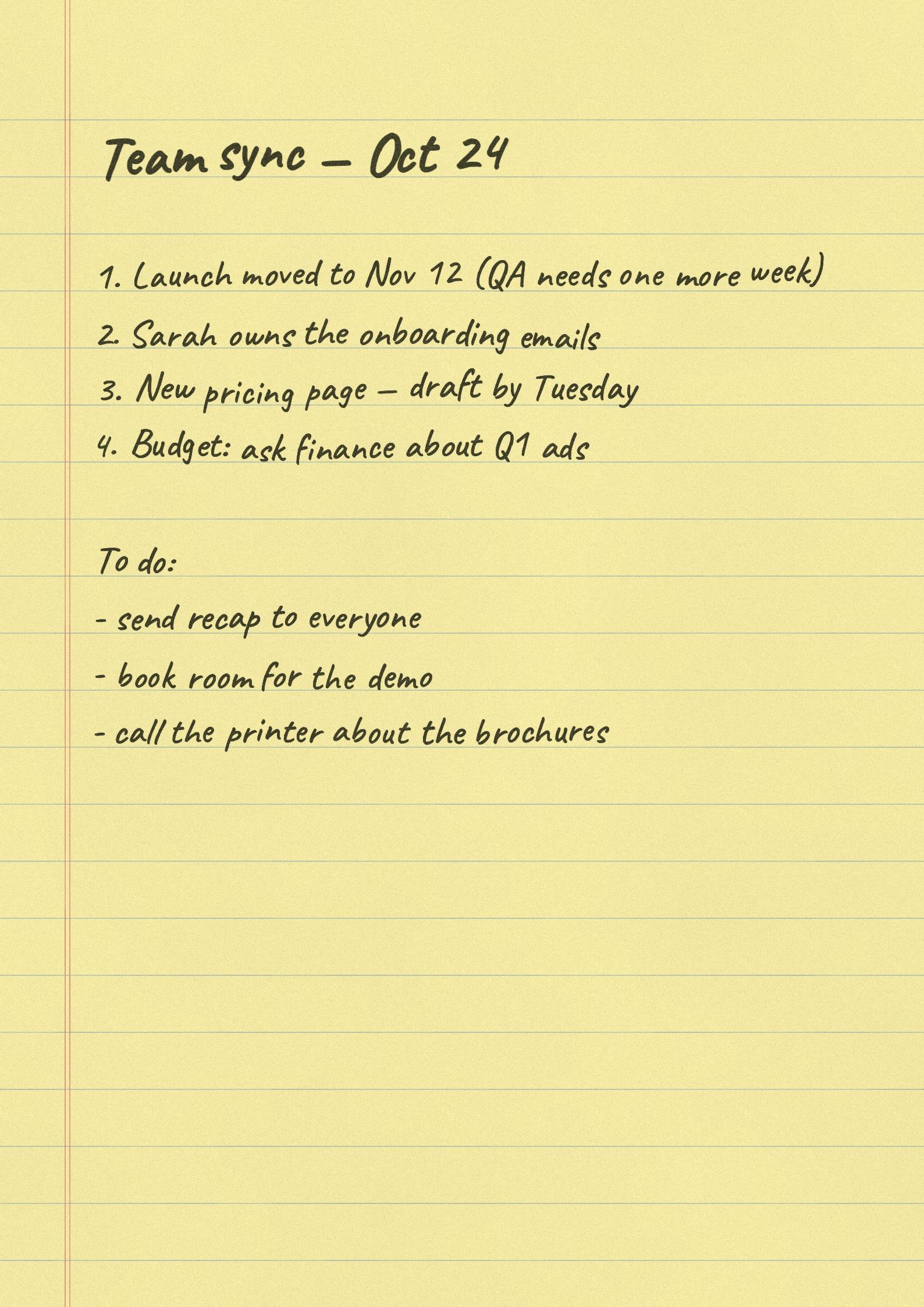
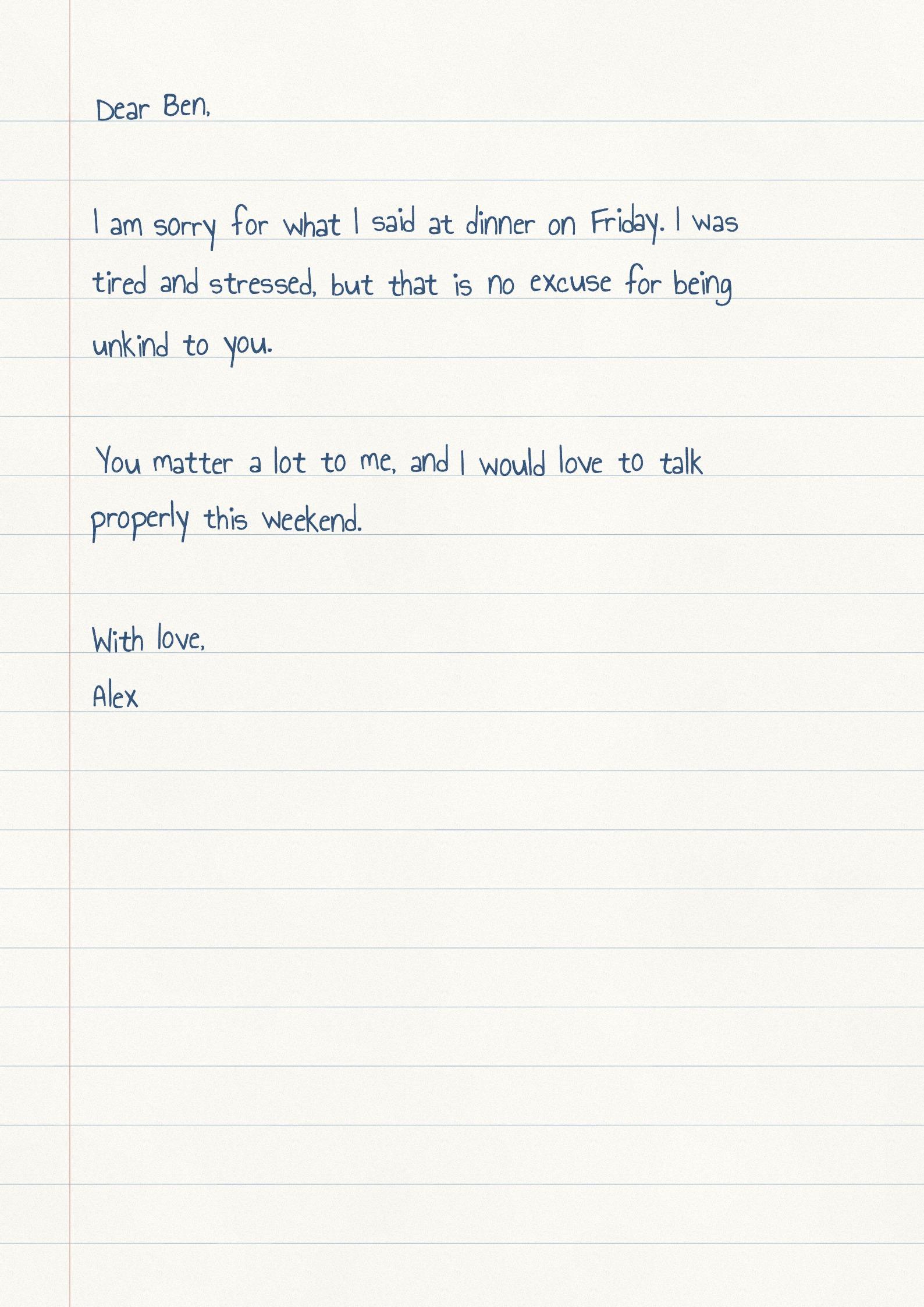
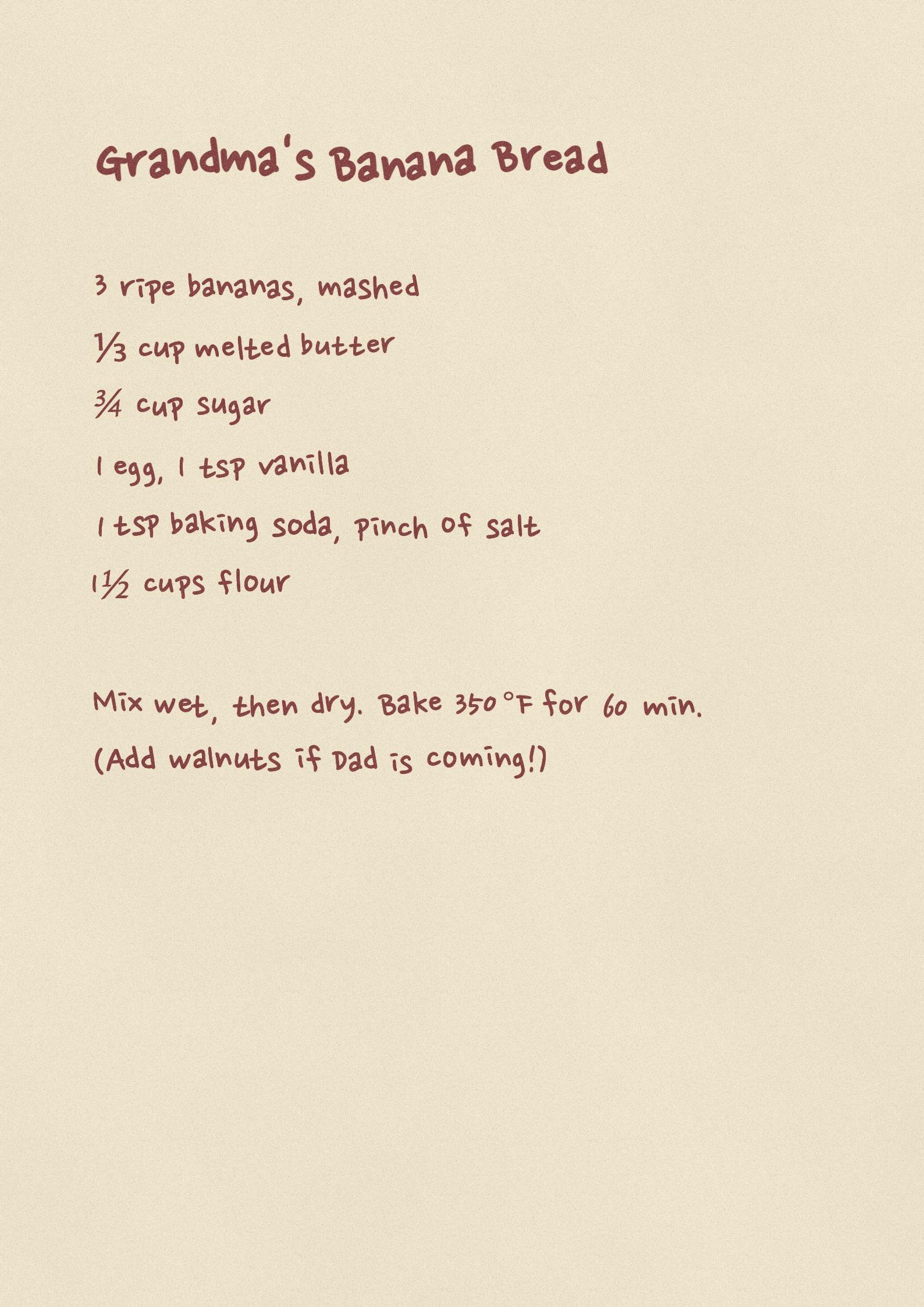
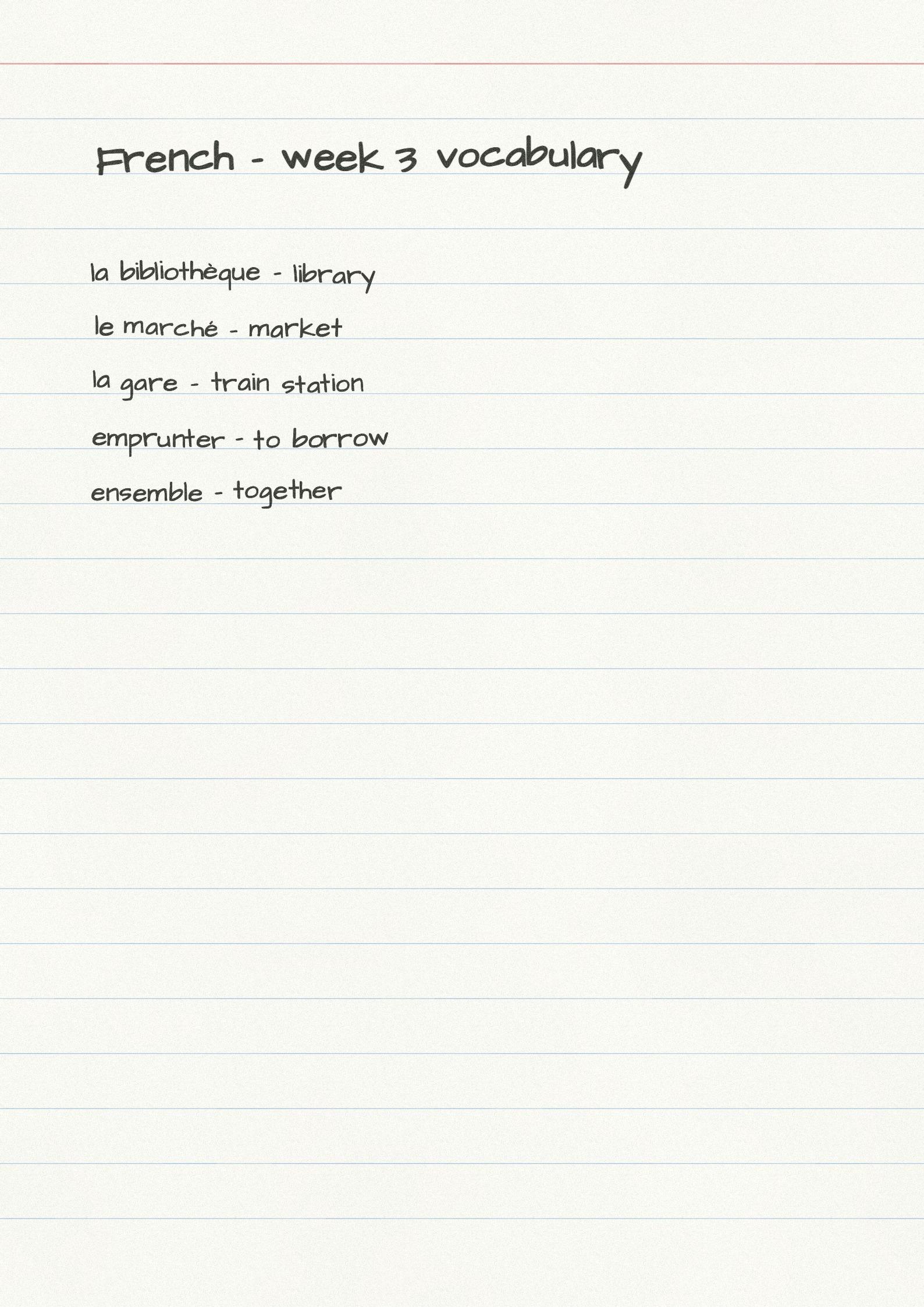
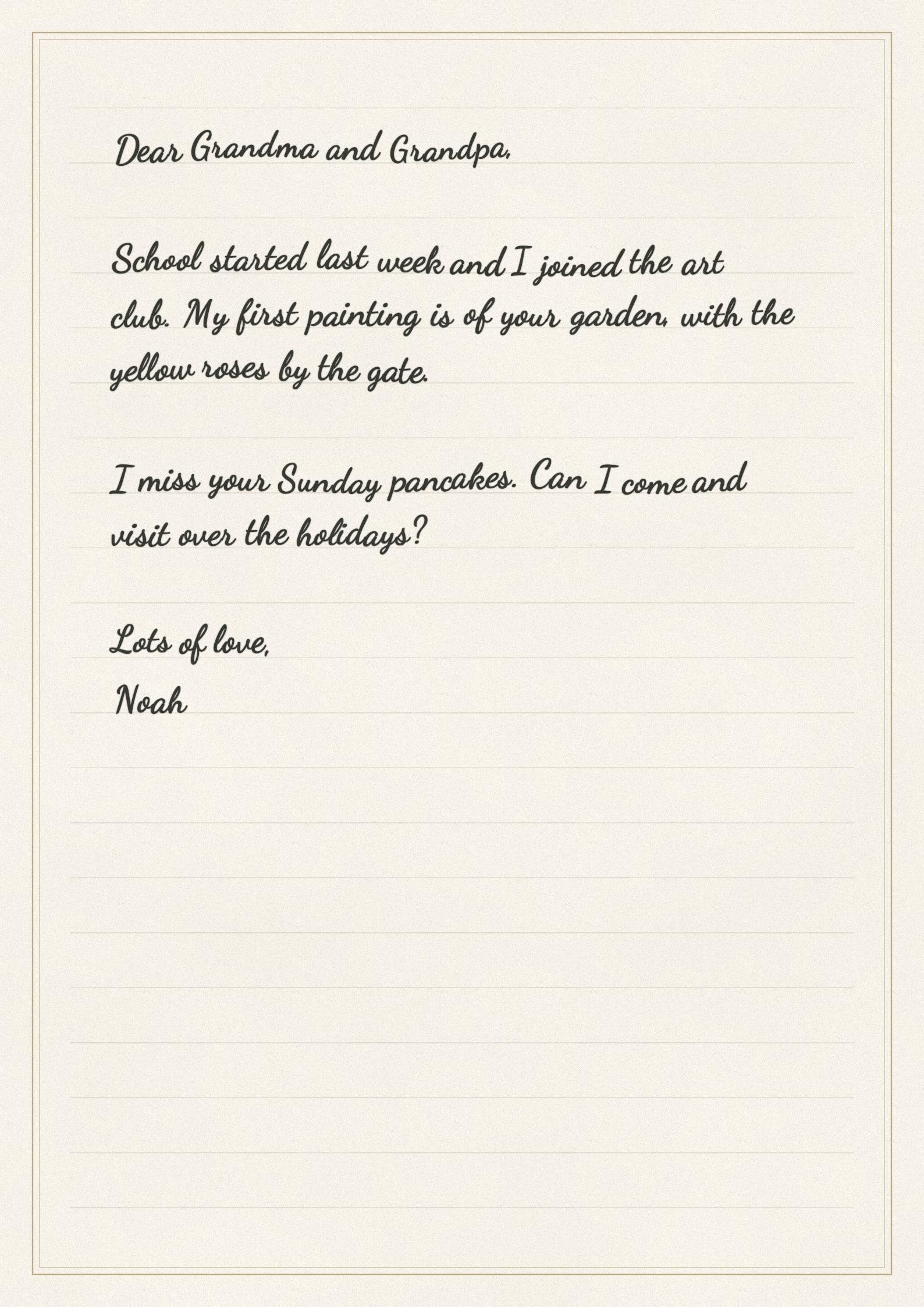
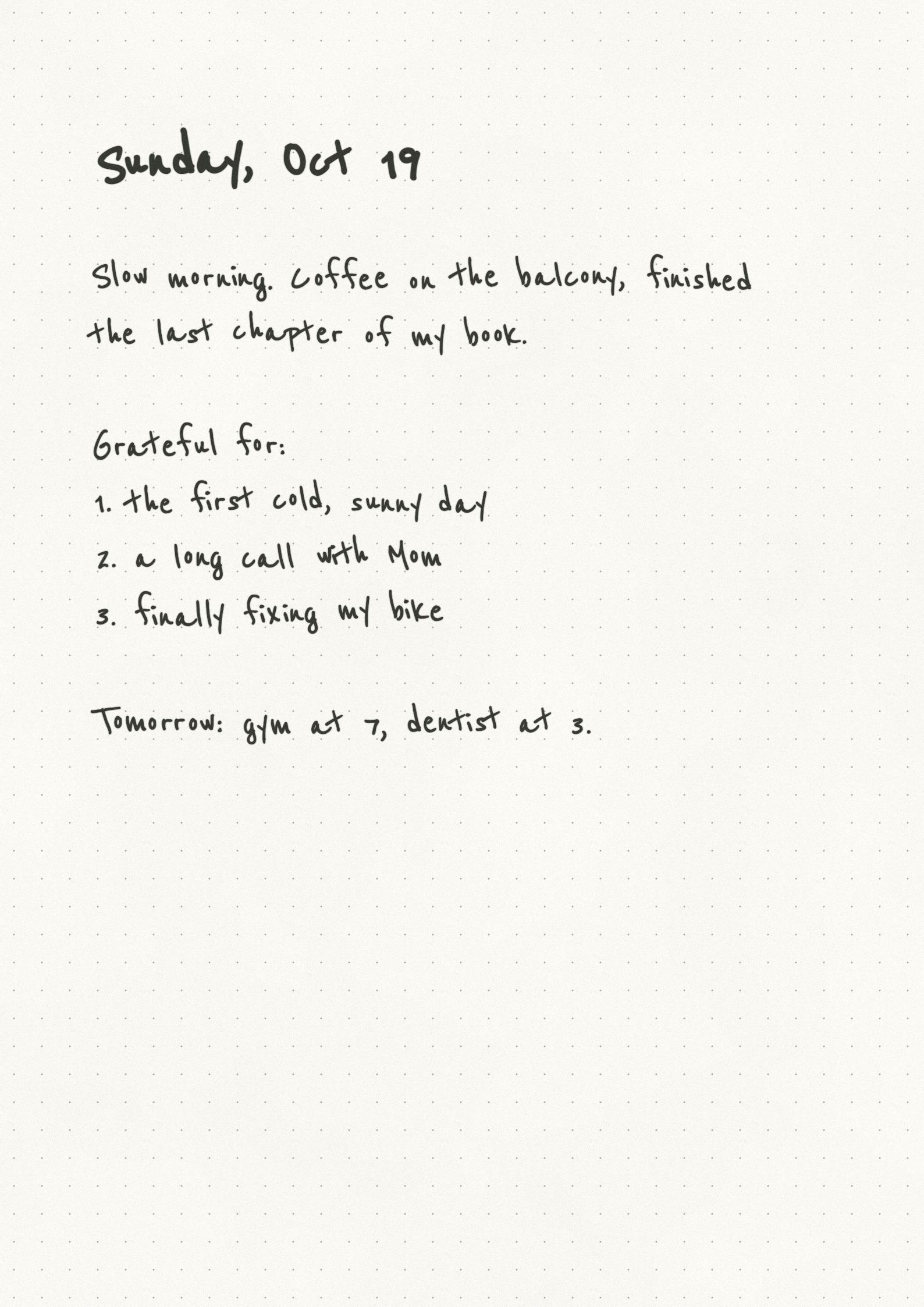
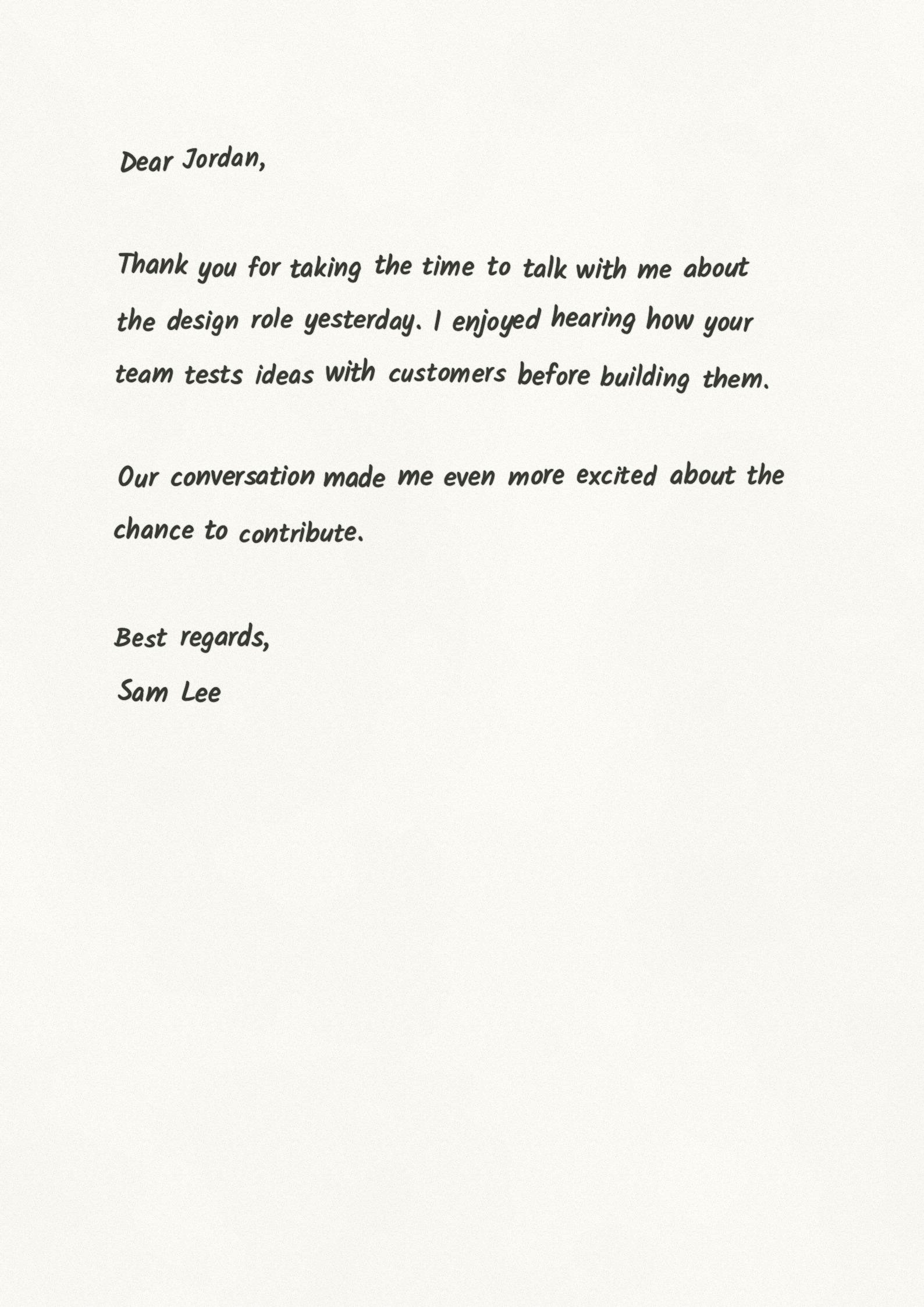
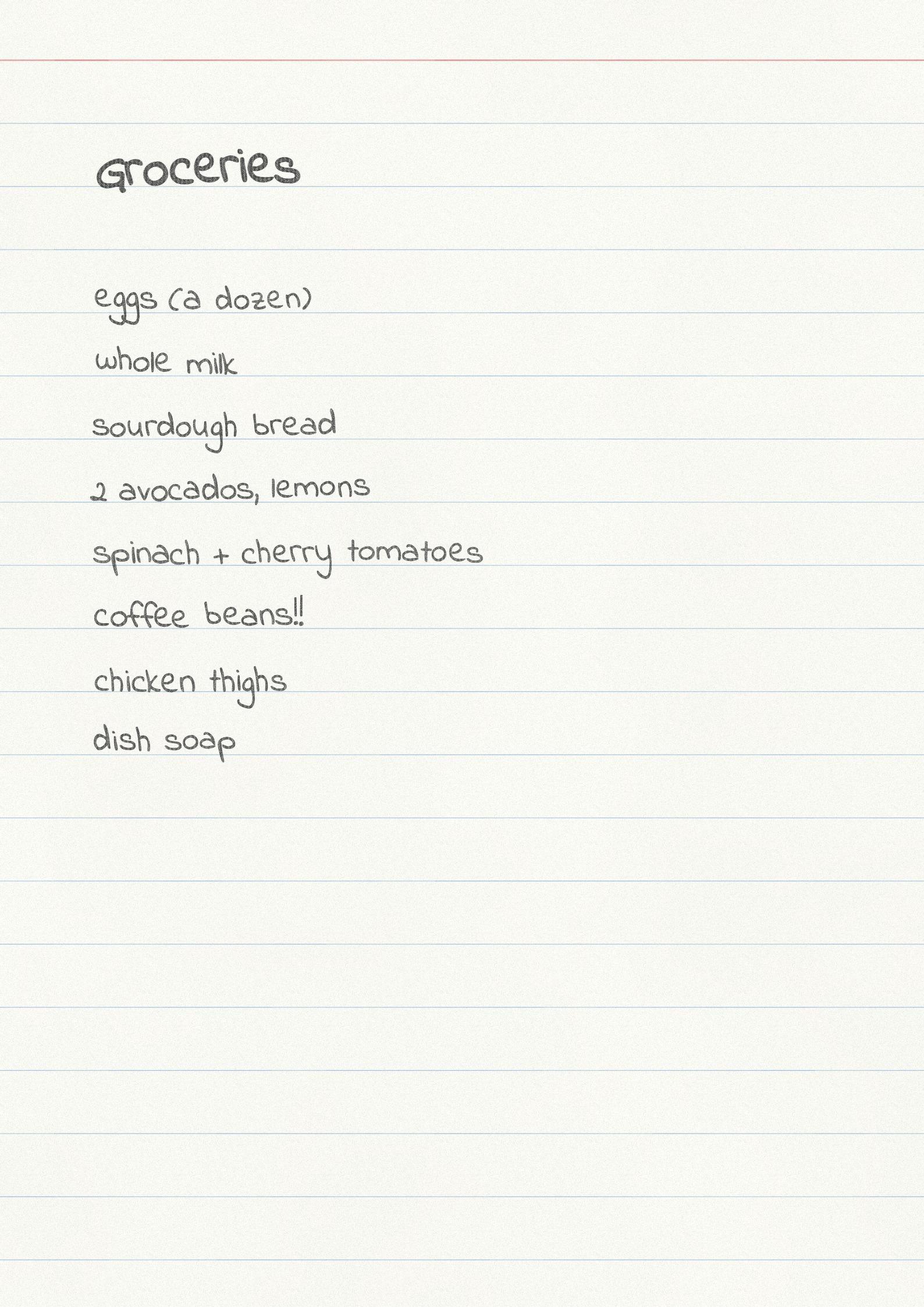
The converter reads the words in a .docx file. Here is what to expect.
Click Import a Word file above the text box and choose a .docx file up to 10 MB. Its text appears in the box right away.
Tidy any line breaks, then choose handwriting and paper. The preview updates as you type.
Download all pages as one PDF to print, or save a page as an image to share.
Yes. DOCX import, text editing and downloads work without signing up, and there is no watermark. Free PDFs hold up to 5 pages; Pro converts longer documents in one go.
Save it as .docx first, or copy and paste the text into the text box. Renaming .doc to .docx does not convert the file.
No. Output formats are PDF, the current page as PNG, and the editable .texttopen.json source. To revise it later, keep the source file alongside the PDF.
Document import and handwriting rendering run in your browser, and local documents stay on this device. Your file is not uploaded to make the handwriting.
Yes. In Google Docs choose File, then Download, then Microsoft Word (.docx), and import that file here.
The import keeps your words and paragraphs but not formatting. Open the full editor to add headings, bold, underline and lists where you want them.
Yes. Import the .docx file, choose a notebook photo or lined paper, and the converter writes the document as handwritten notes, page by page.
Yes. Import the .docx file and choose a cursive font such as Dancing Script or Homemade Apple. The whole document is written in joined-up cursive, ready to download as a PDF.