
Works well
- PDFs whose text you can select and copy
- Lecture handouts, articles and reports
- Files up to 10 MB and 50,000 characters
- Long files flow onto as many handwritten pages as needed, up to 150
Free · No sign-up · No watermark
Convert a PDF to handwritten notes: import a text-based PDF, choose a handwriting font and paper, and download the result without a watermark.
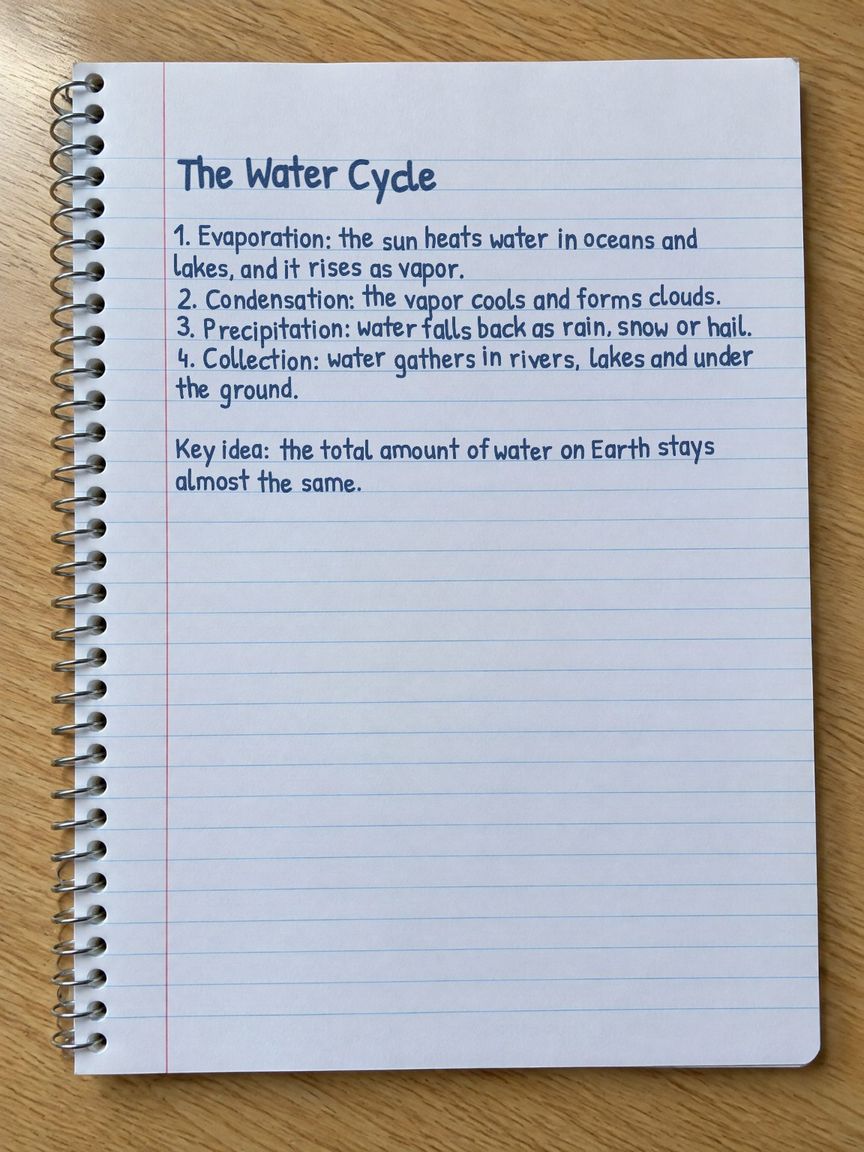
The same lecture handout, before and after. The converter keeps your words and writes them into a notebook.
1. Evaporation: the sun heats water in oceans and lakes, and it rises as vapor. 2. Condensation: the vapor cools and forms clouds. 3. Precipitation: water falls back as rain, snow or hail. 4. Collection: water gathers in rivers, lakes and under the ground. Key idea: the total amount of water on Earth stays almost the same.
Good for reading notes, a personal study sheet or a letter saved as PDF. The converter extracts text and gives it a new handwritten layout; it does not reproduce the original page design.
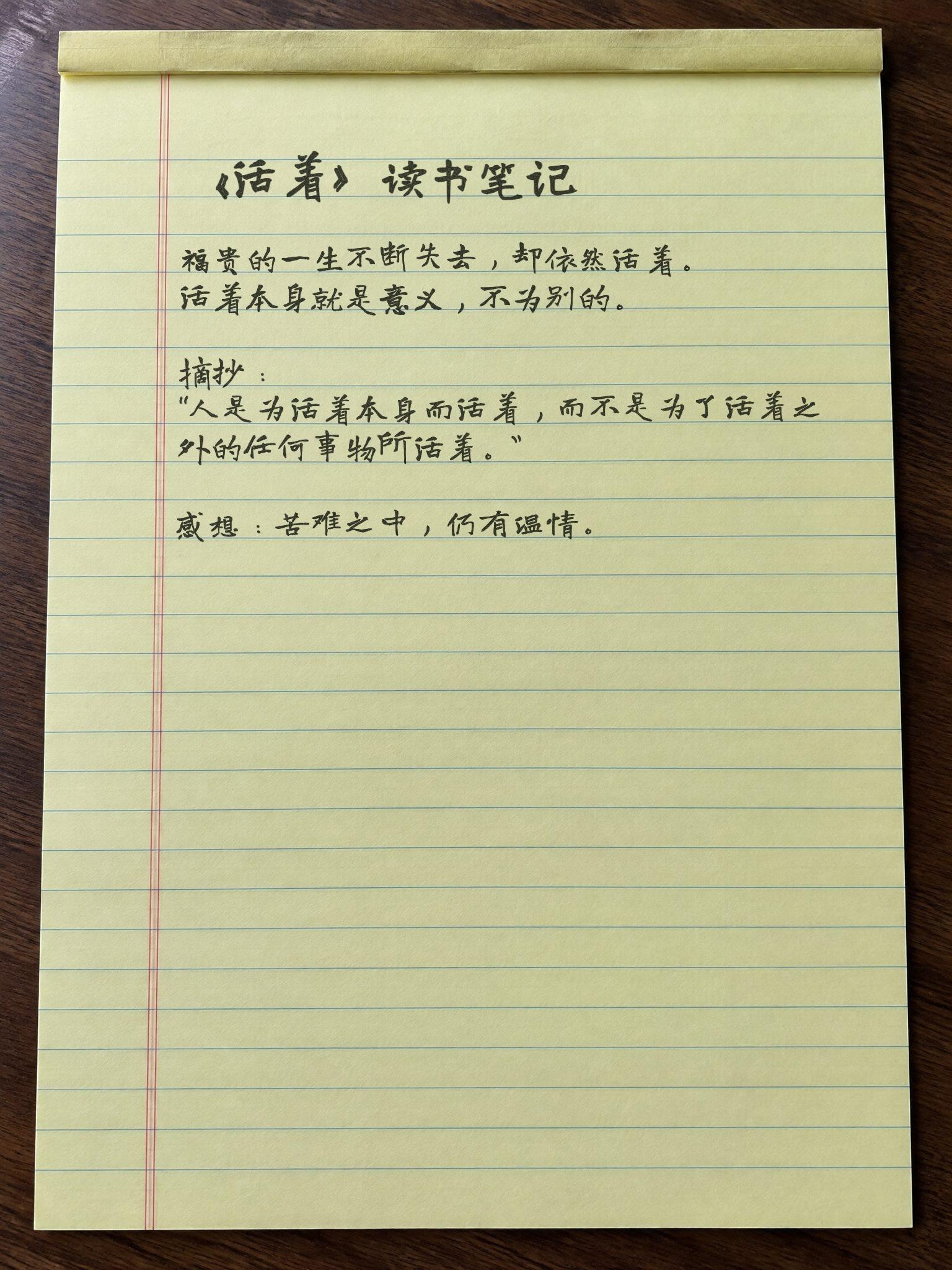
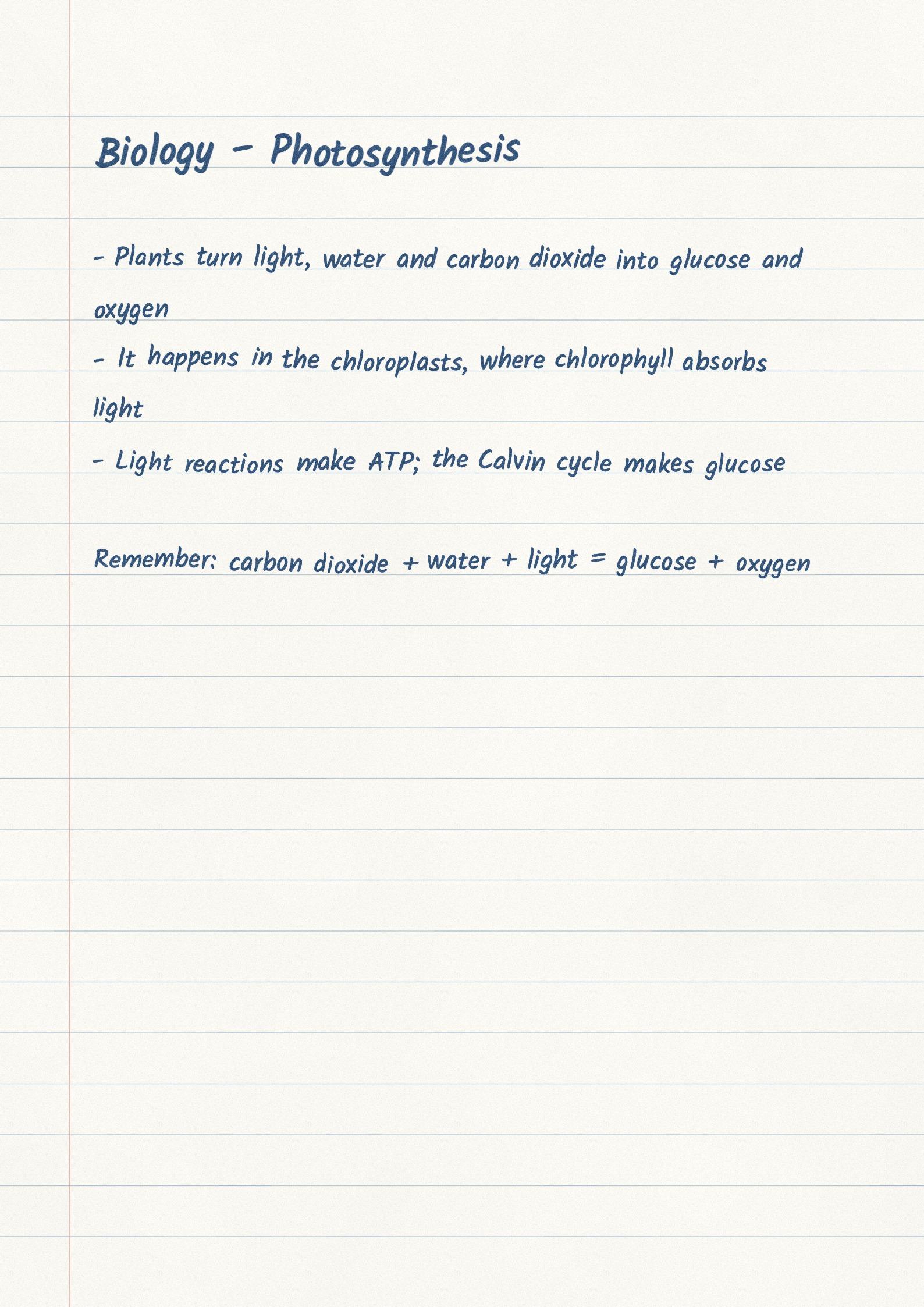
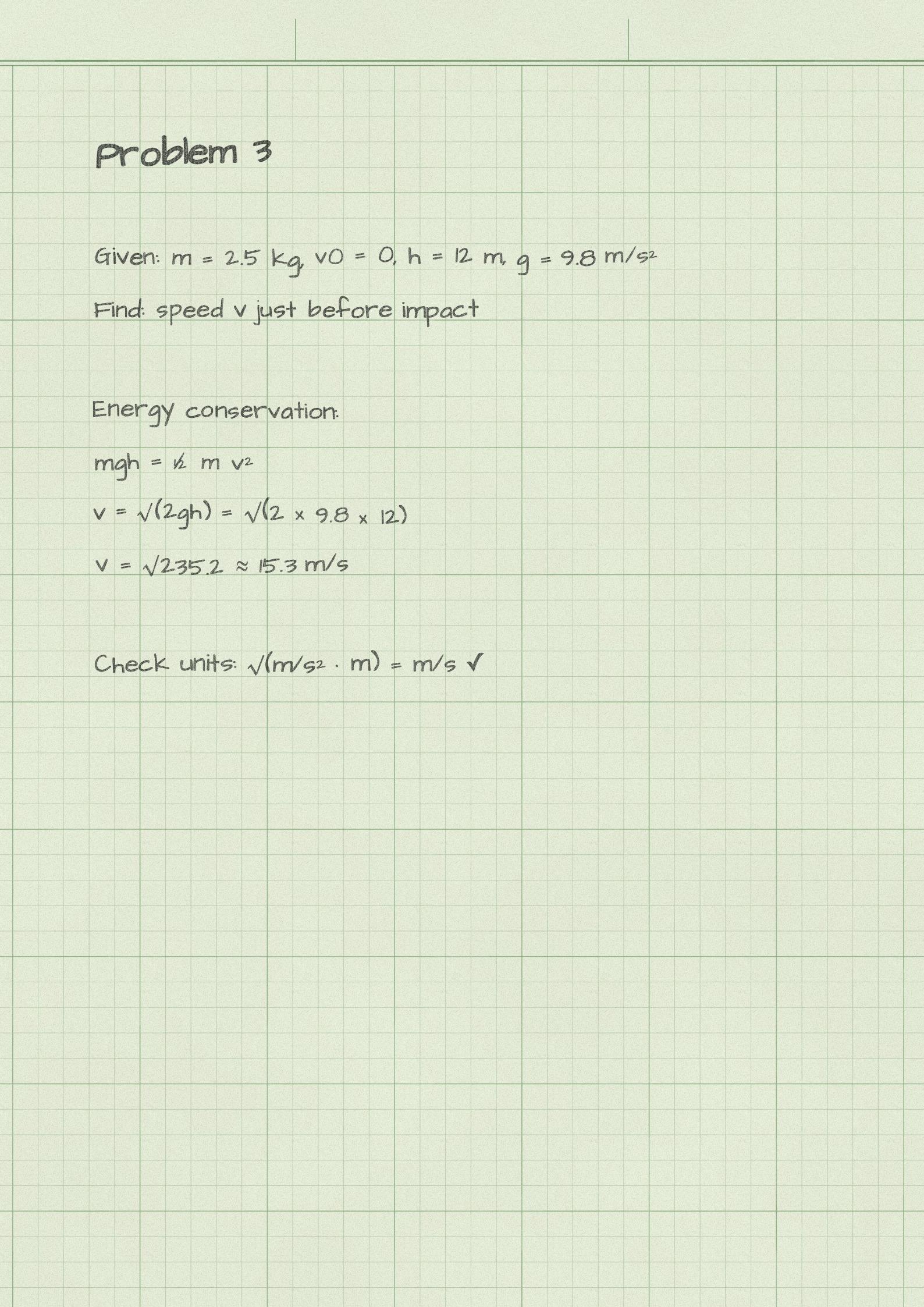
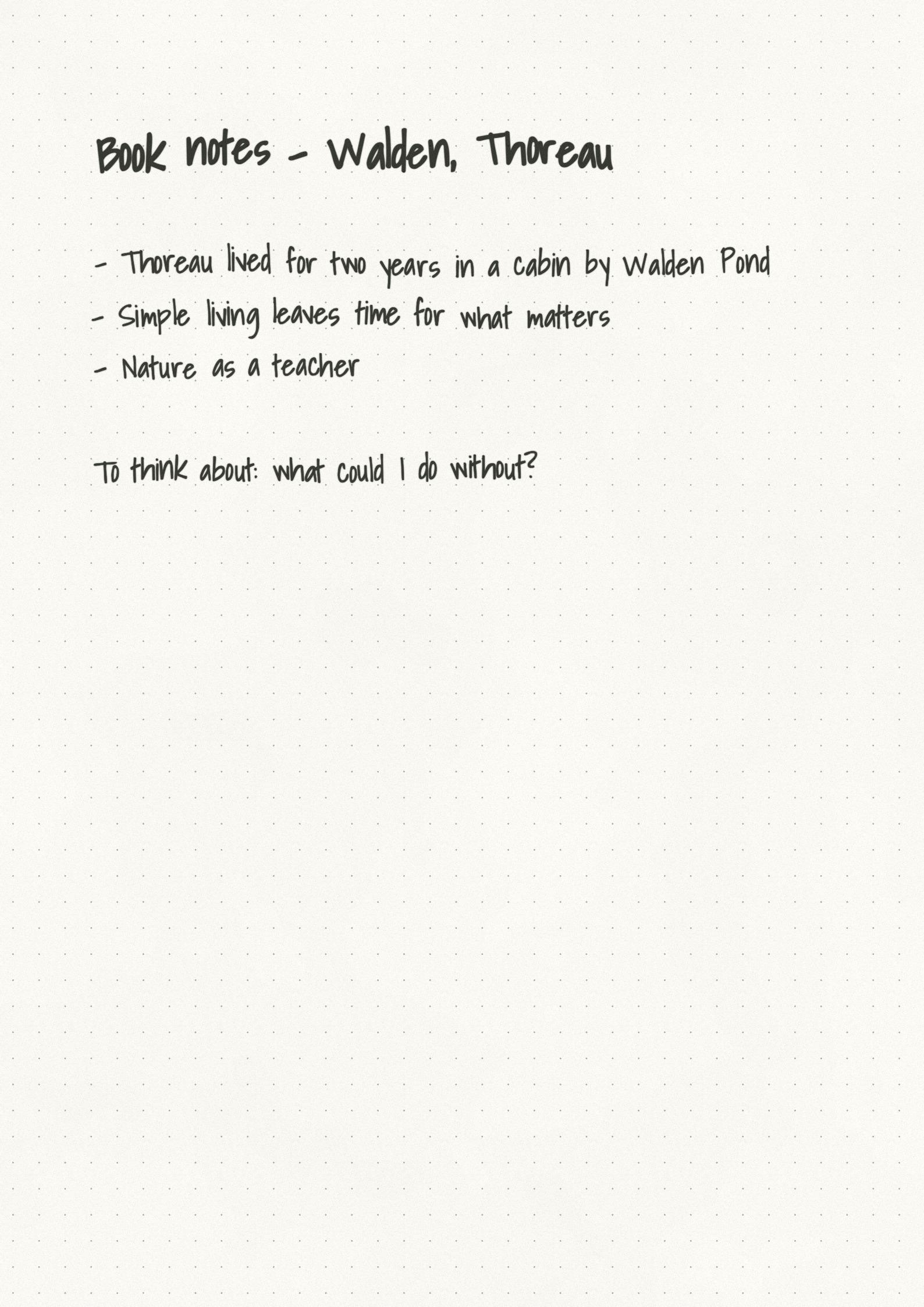
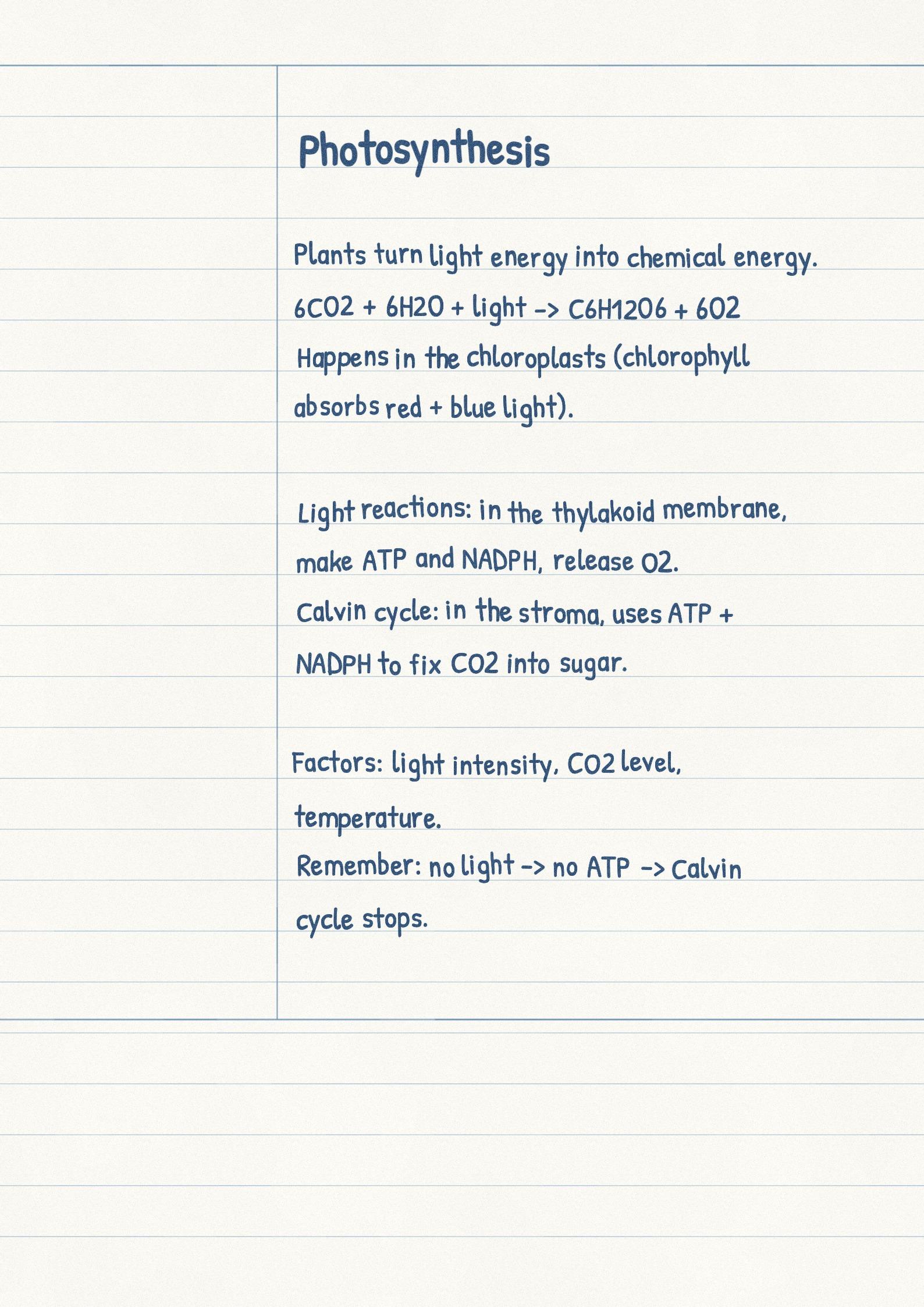
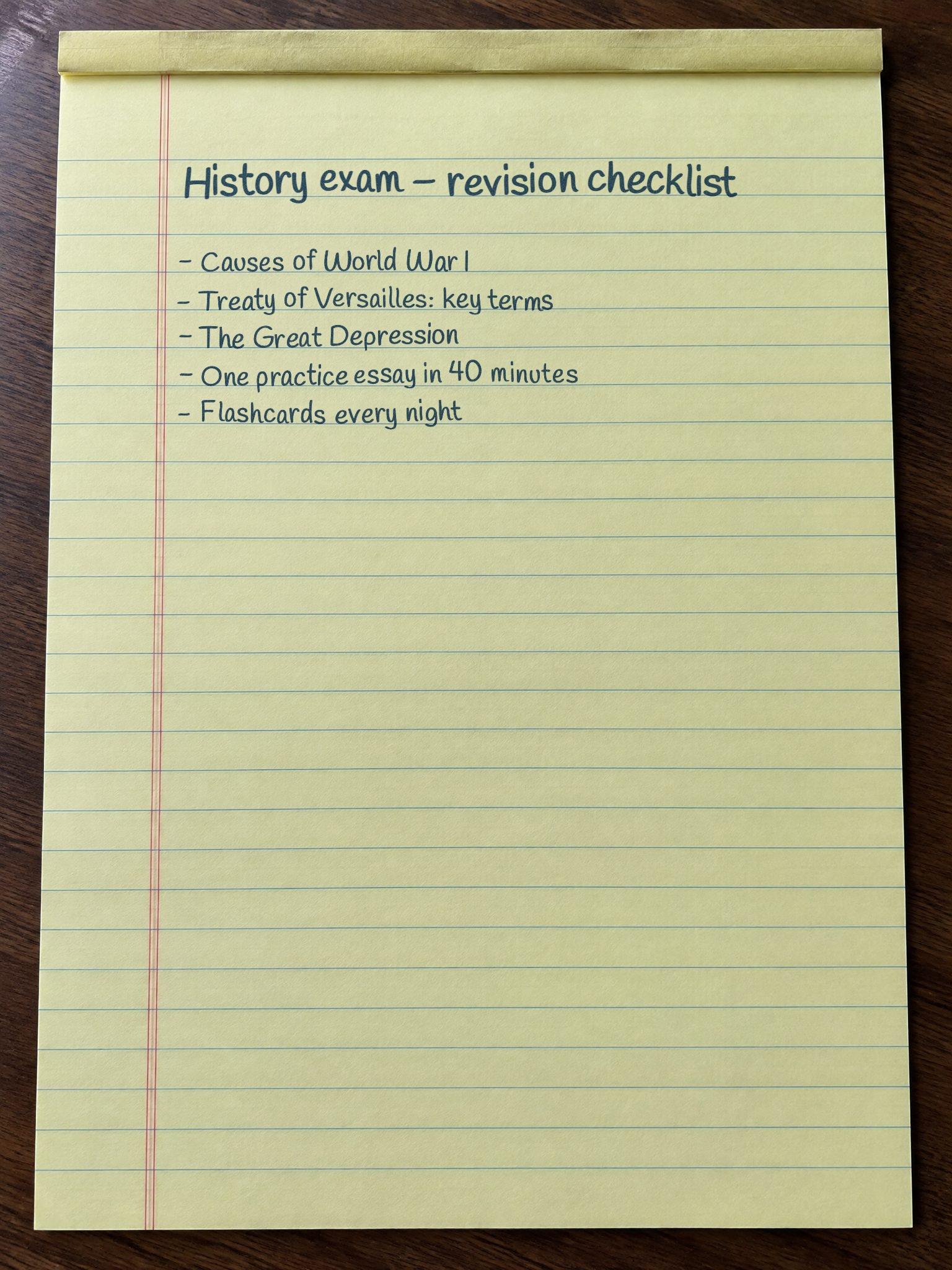
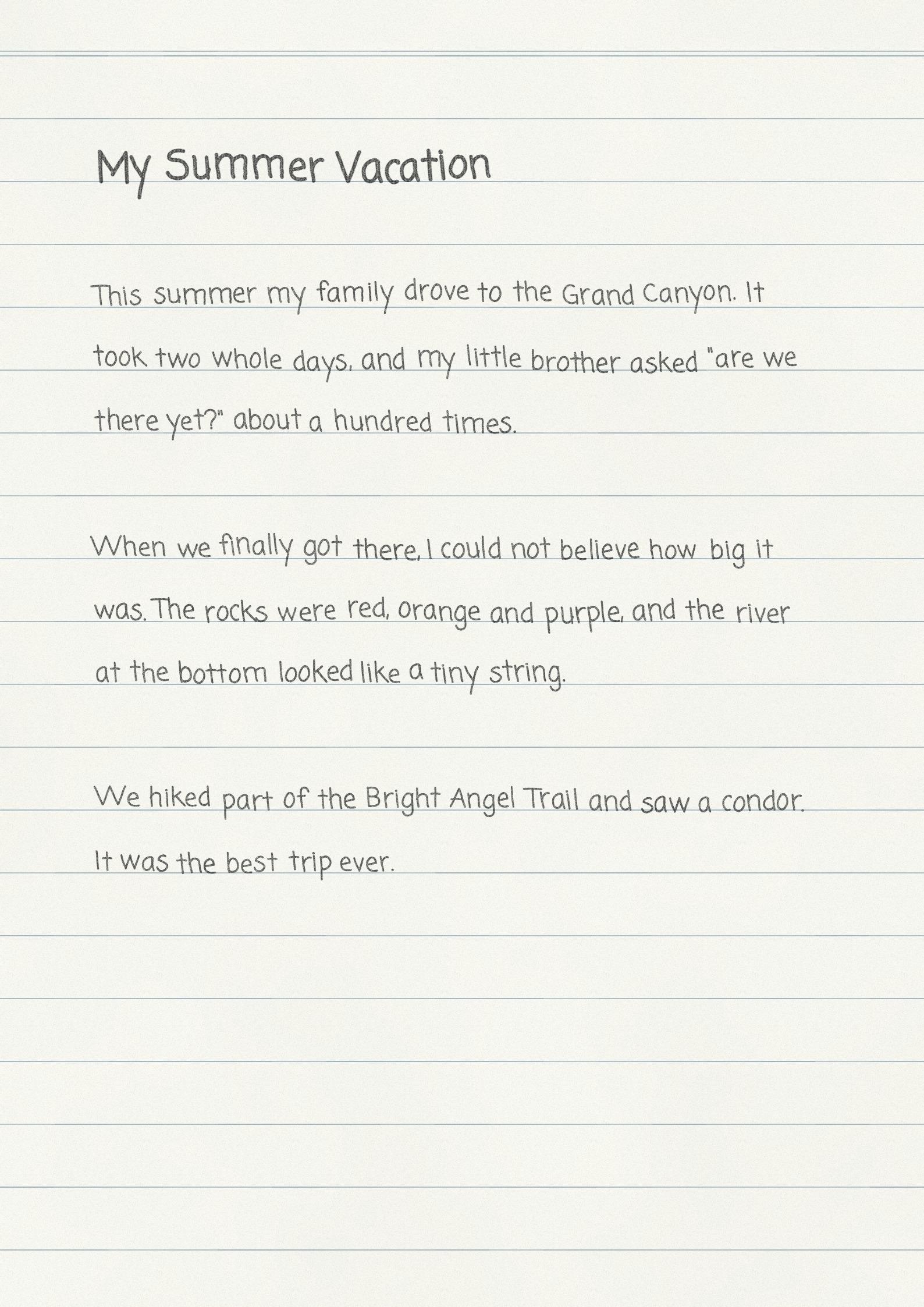
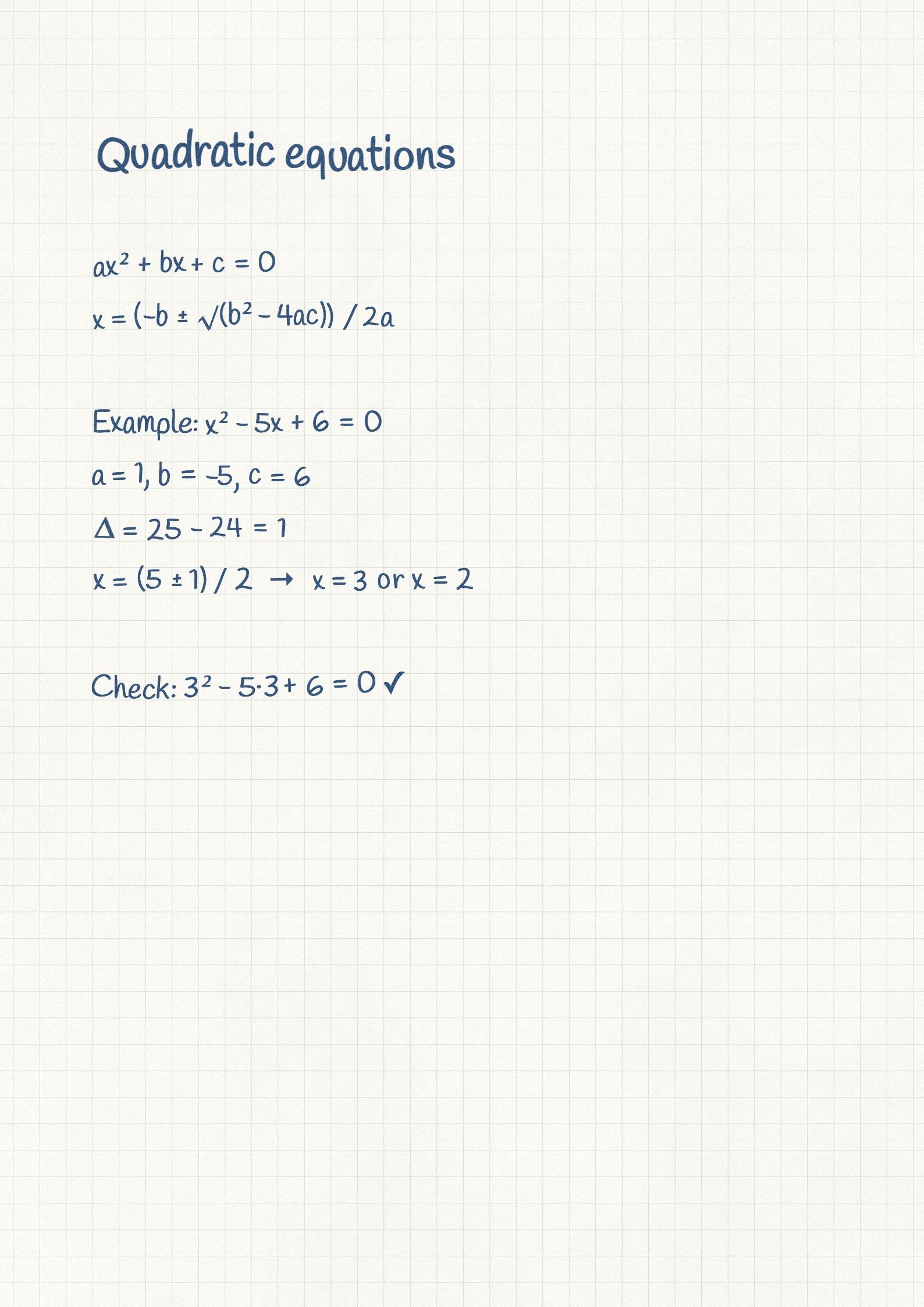
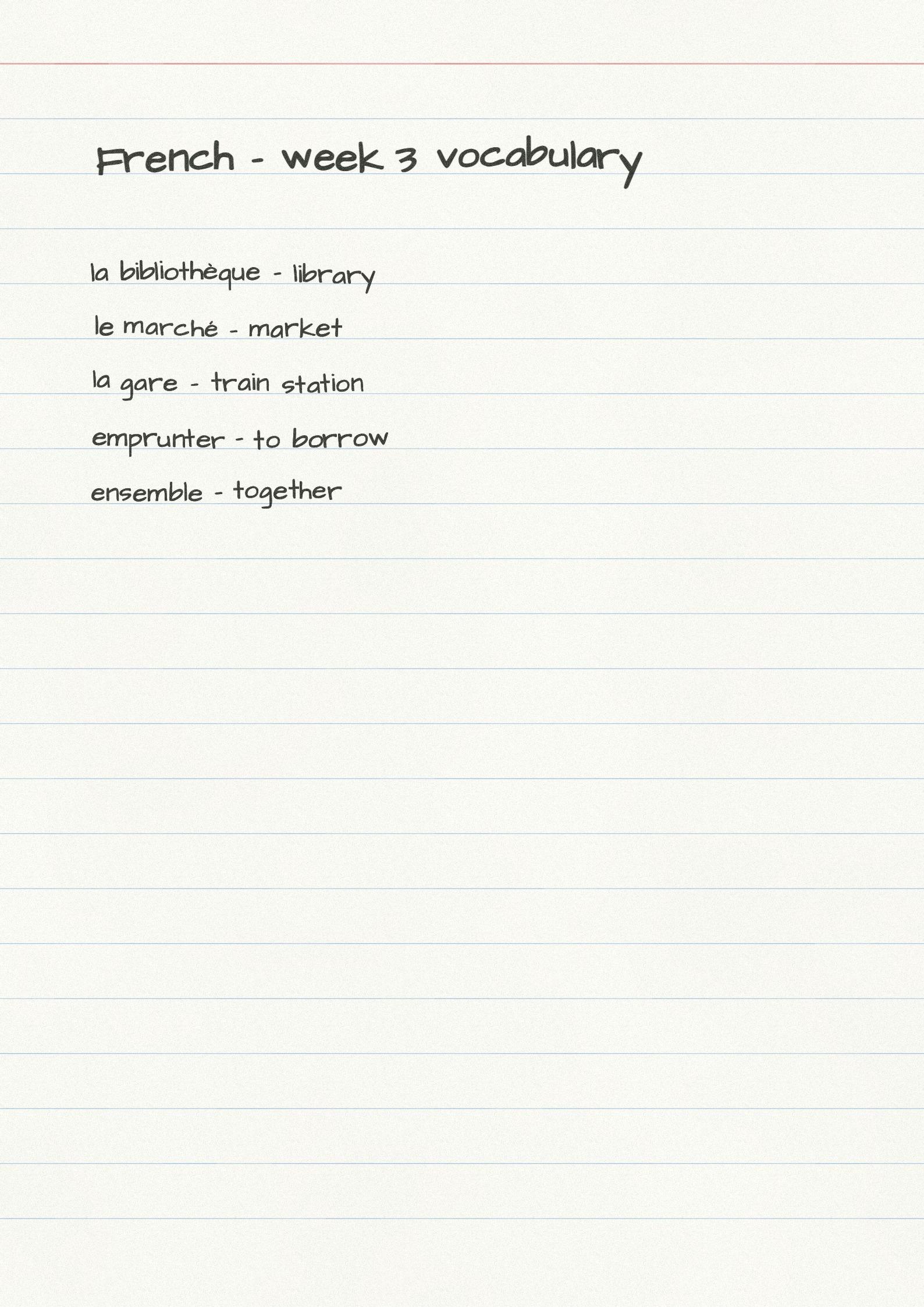
The converter reads the text inside a PDF. Here is what to expect.
Click Import a PDF above the text box and choose a PDF with selectable text, up to 10 MB. Its text appears in the box right away.
Fix any odd line breaks, then choose handwriting and paper. The preview writes every page by hand.
Download all pages as one PDF, or save a page as an image.
Yes. PDF import, handwriting styling and downloads need no account and add no watermark. Free PDFs hold up to 5 pages; Pro converts longer files in one go.
Not directly. Extract the text with an OCR tool first, then paste it into the text box. A scanned page is an image, so its words cannot be read here.
No. It extracts plain text, then lays it out again using your selected paper, font and spacing. Check reading order and paragraph breaks after import, especially for columns and tables.
The file limit is 10 MB, with up to 150 input pages. The editor supports 50,000 text characters and up to 150 output pages. If a limit is exceeded, it reports an error rather than silently truncating your document.
Yes, if their text can be selected. Slide titles and bullet points come across as plain lines, so tidy them in the text box before you download.
No. Each page is an image of handwriting, so it prints and shares exactly as previewed. Keep your original PDF if you need the text.
Yes, for PDFs with selectable text. Import the PDF, pick a different handwriting style and paper, and download a new PDF written in that handwriting.
Yes. You don't need a PDF to start: type or paste text into the converter, choose a handwriting and paper, and download a multi-page handwritten PDF.