Turn typed text into good-looking handwritten notes you can print and keep. Paste a study summary, meeting notes or a checklist and get neat handwritten pages in a real notebook.
Live preview · updates as you type
Handwritten notes templates
Load a set of notes into the generator above and replace it with your own.
Lecture notes
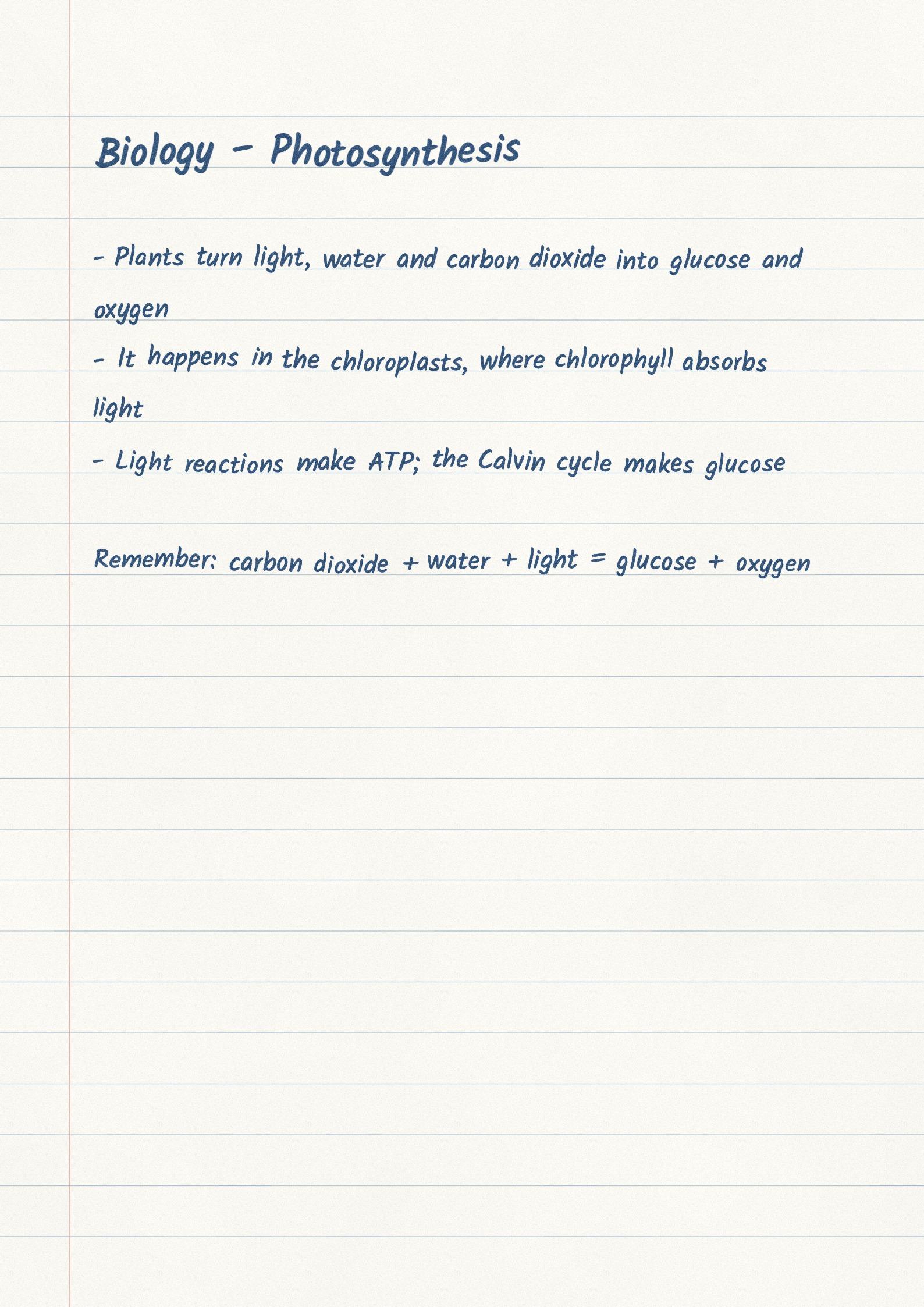
Biology – Photosynthesis
- Plants turn light, water and carbon dioxide into glucose and oxygen
- It happens in the chloroplasts, where chlorophyll absorbs light
- Light reactions make ATP; the Calvin cycle makes glucose
Remember: carbon dioxide + water + light = glucose + oxygen
Meeting notes
Weekly team meeting – Oct 7
Decisions
- Launch the new menu on Oct 21
- Keep the Friday tastings
To do
- Maya: order new cups
- Leo: update the website
Book notes
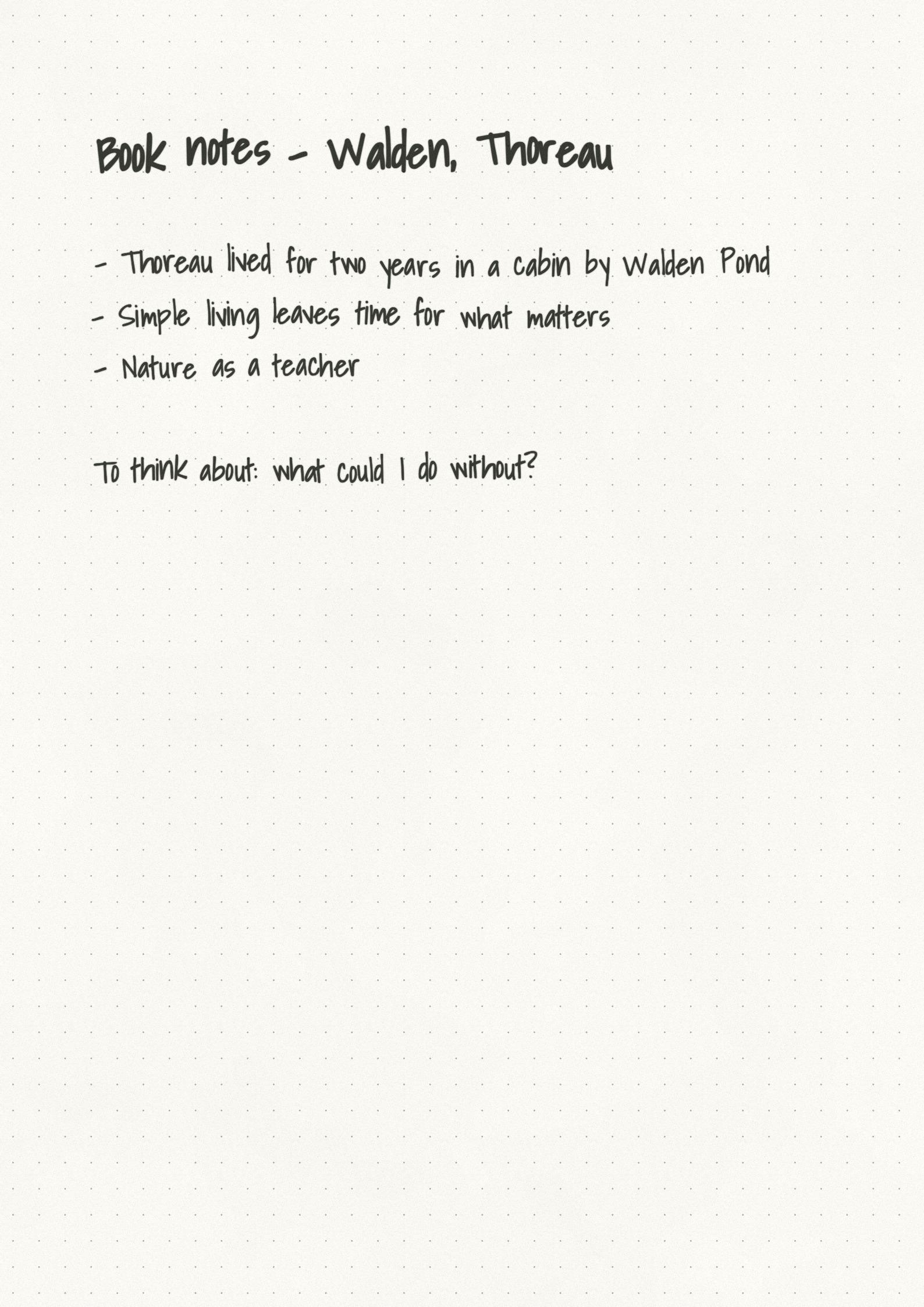
Book notes – Walden, Thoreau
- Thoreau lived for two years in a cabin by Walden Pond
- Simple living leaves time for what matters
- Nature as a teacher
To think about: what could I do without?
Revision checklist
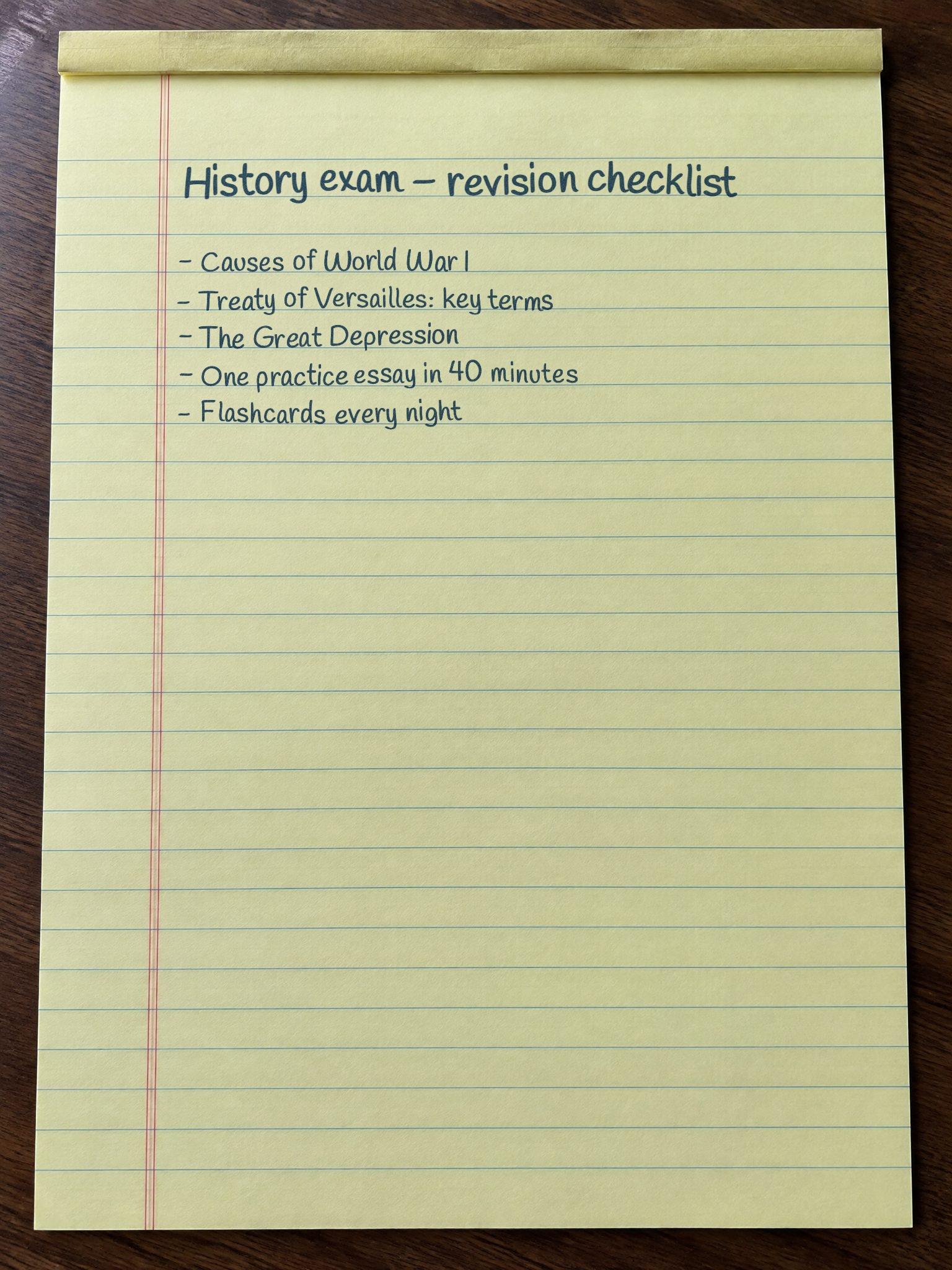
History exam – revision checklist
- Causes of World War I
- Treaty of Versailles: key terms
- The Great Depression
- One practice essay in 40 minutes
- Flashcards every night
Weekly plan
This week
Mon – Finish the lab report
Tue – Library books due
Wed – Dentist at 4:30
Thu – Group project meeting
Fri – Call Grandma
Weekend – Clean my desk, plan next week
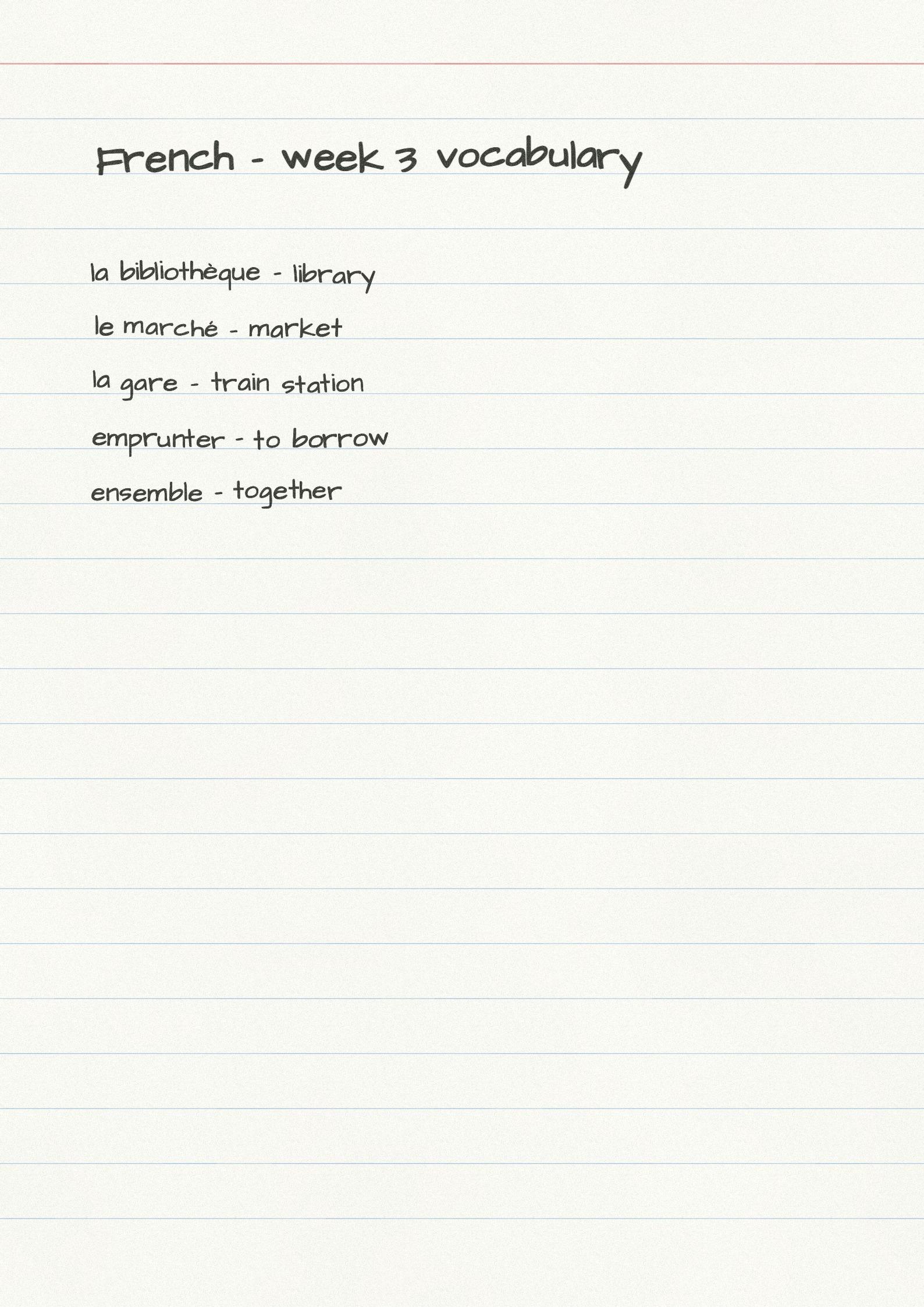
Vocabulary list
French – week 3 vocabulary
la bibliothèque – library
le marché – market
la gare – train station
emprunter – to borrow
ensemble – together
Handwritten notes examples
Paste class notes, meeting notes or a reading summary and get handwritten pages in a notebook, on lined paper or on grid paper.
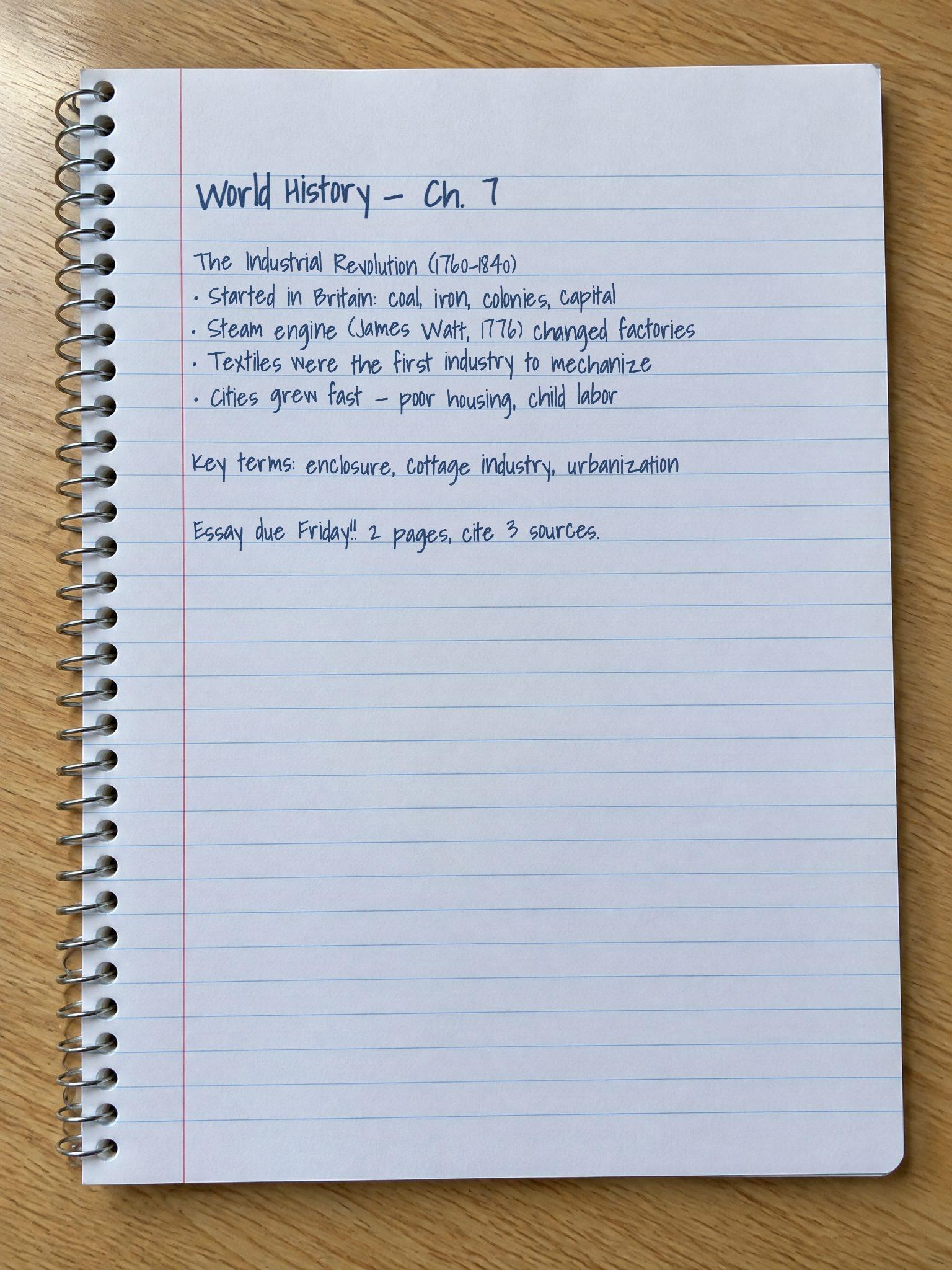
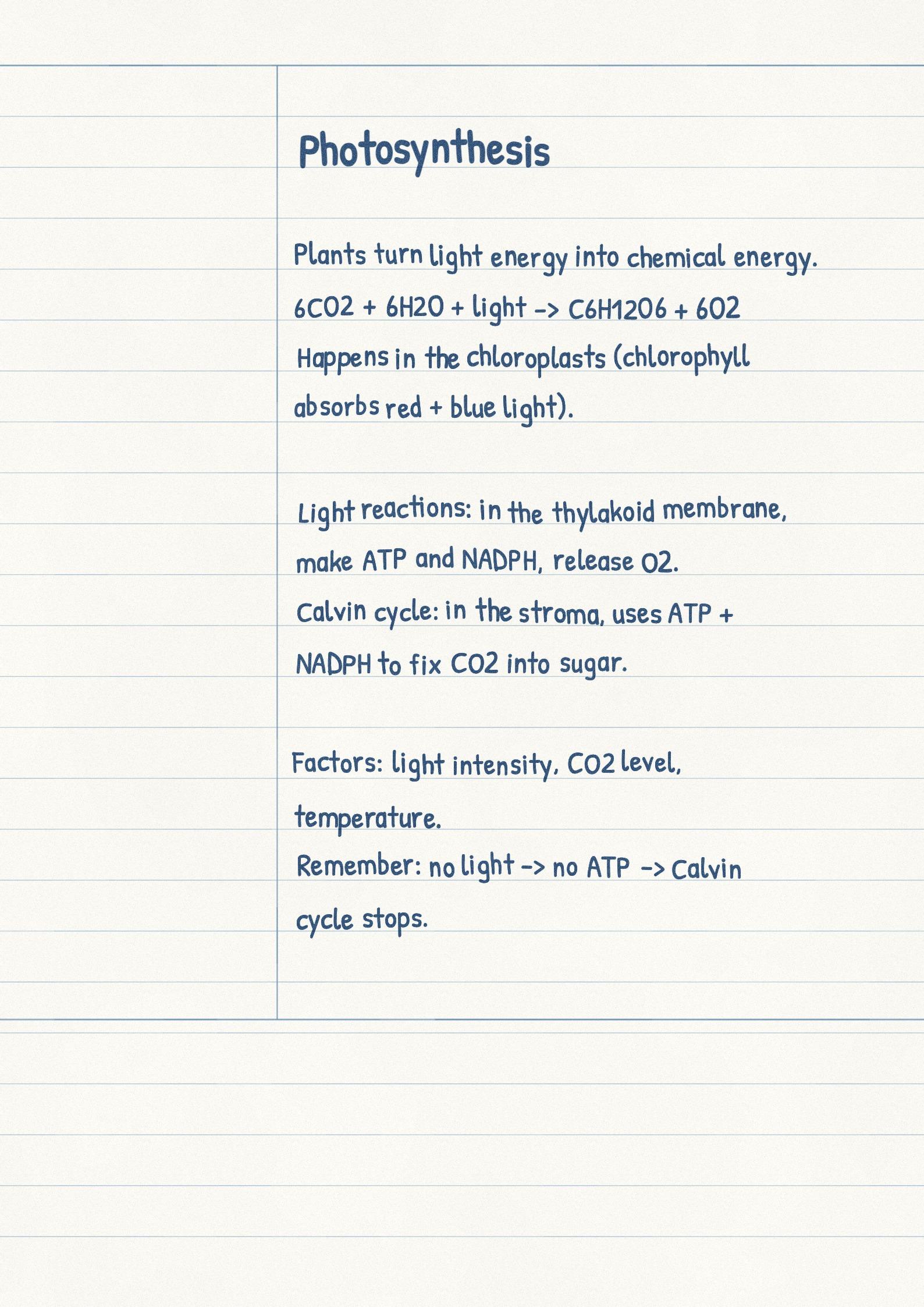
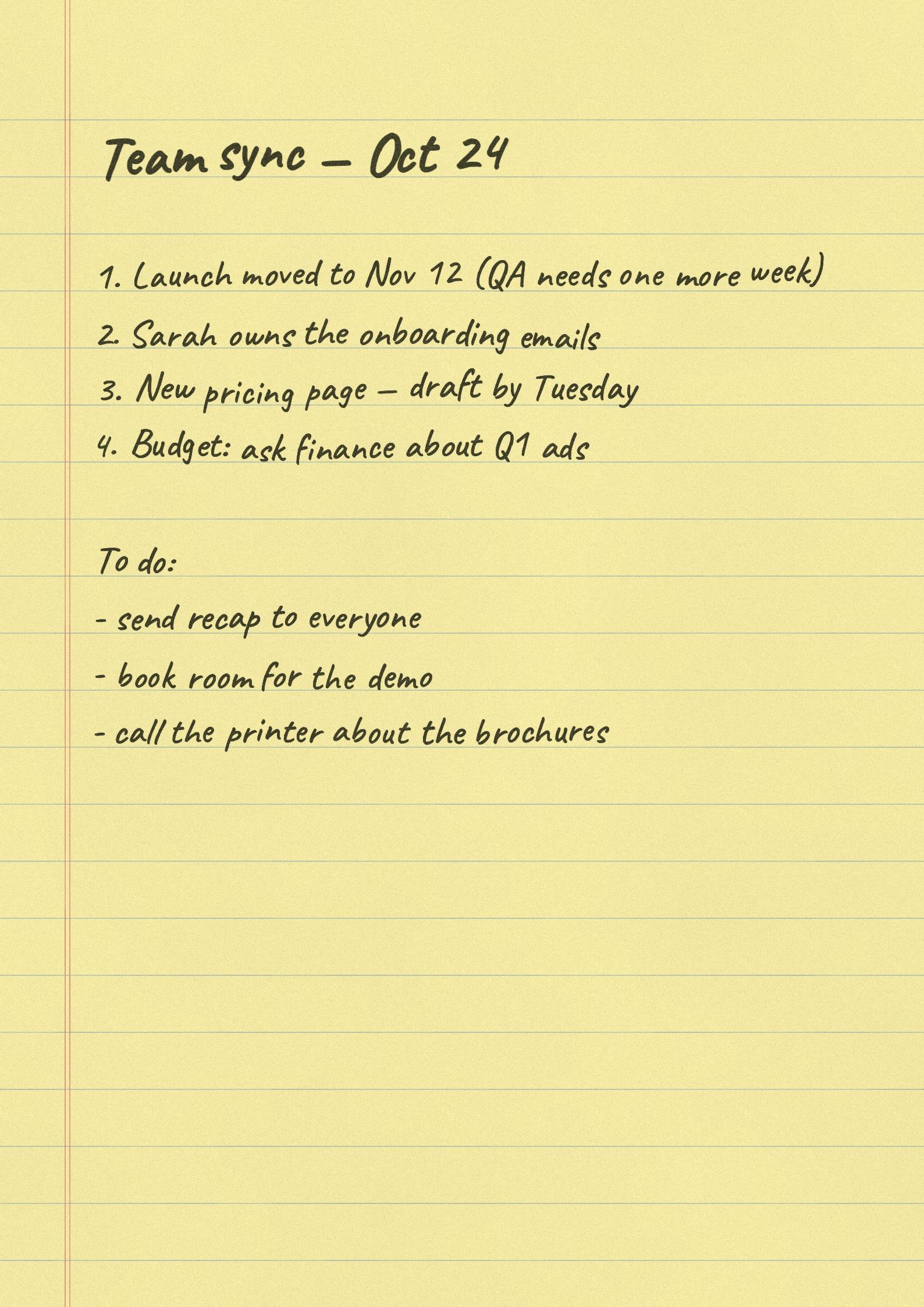
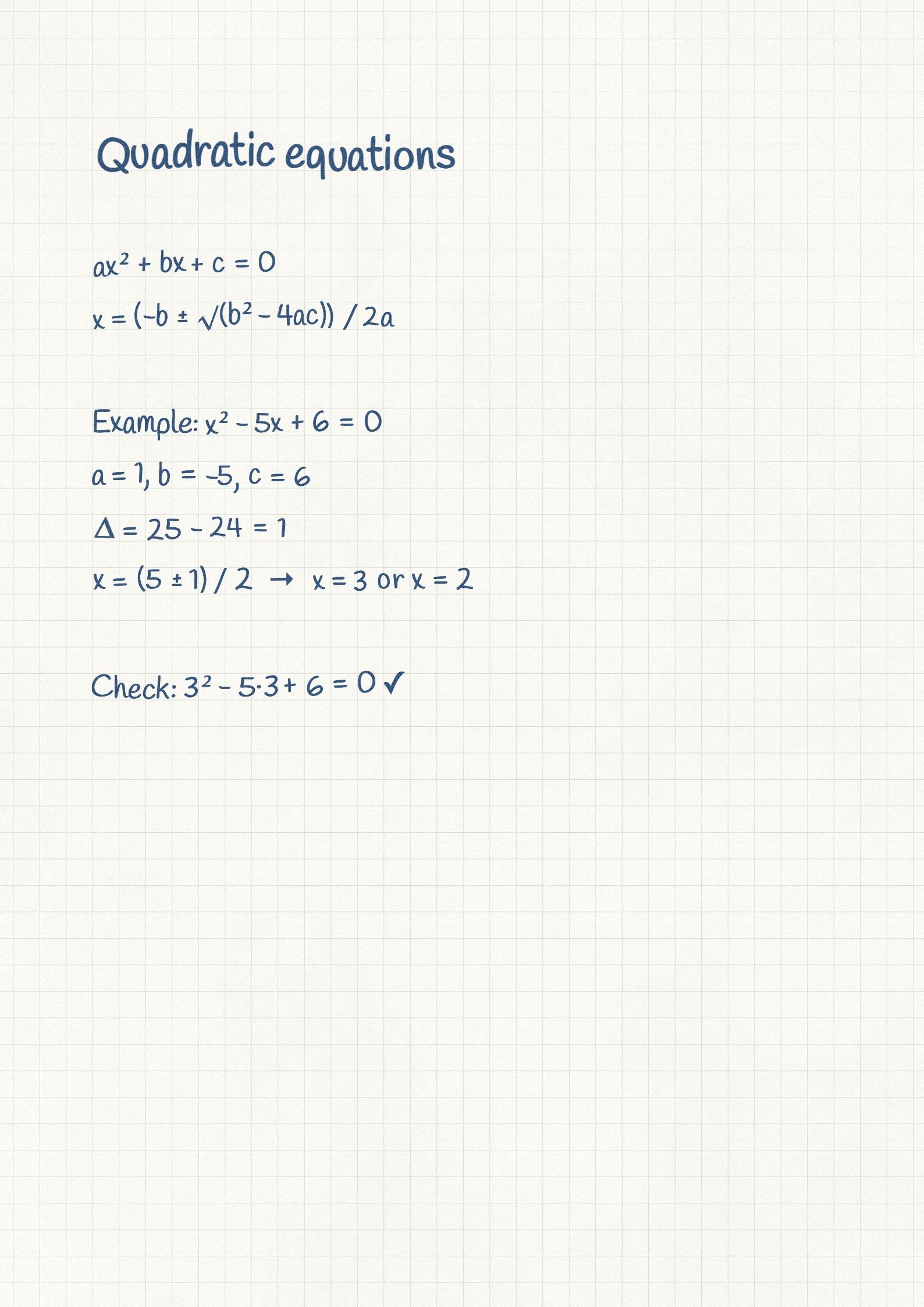
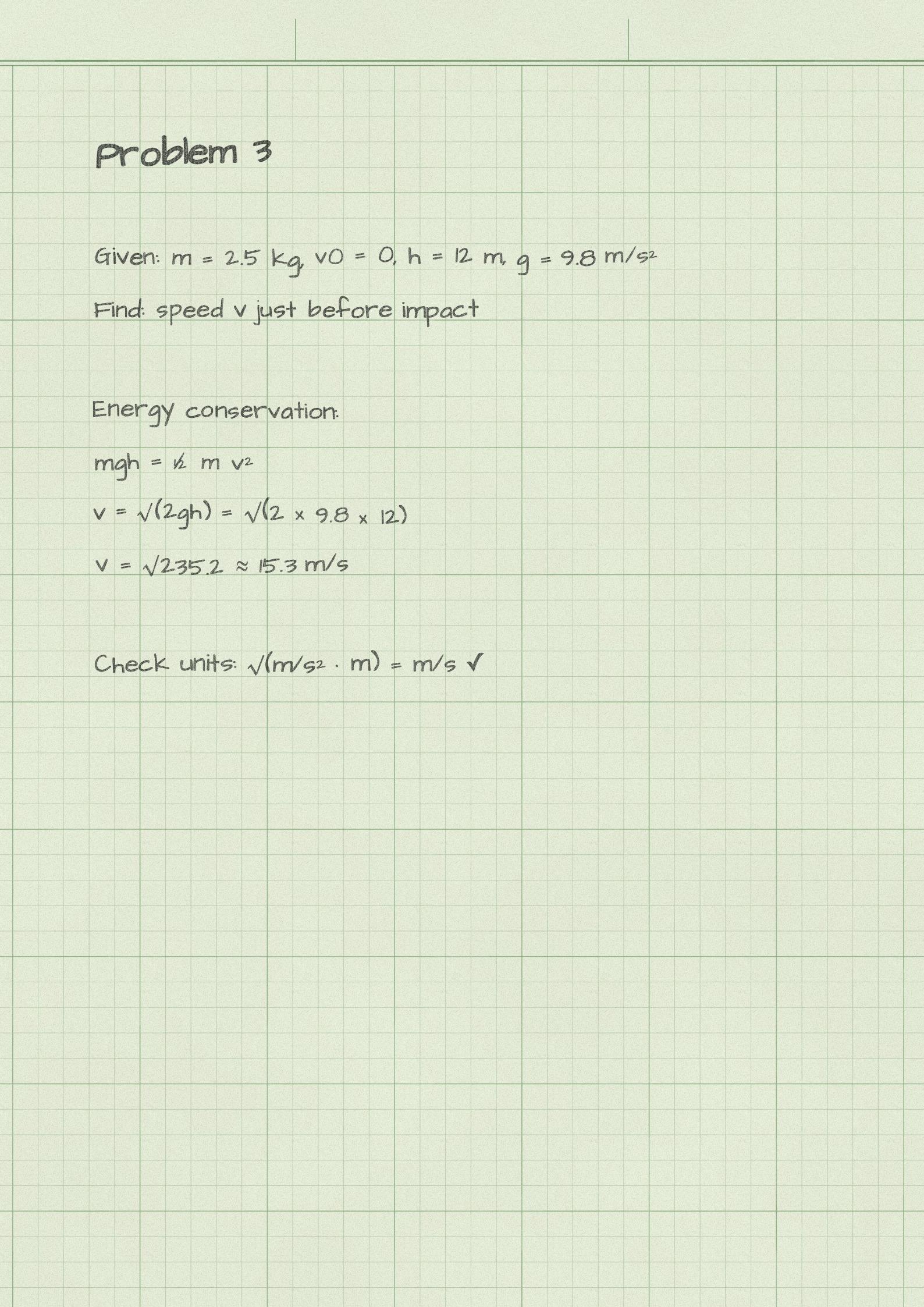
History class notesShadows Into Light in a spiral notebook photoCornell notesPatrick Hand on Cornell note paperBiology lecture notesKalam on ruled paperRevision checklistHandlee in a legal pad photoMeeting notesCaveat on a yellow legal padBook notesShadows Into Light on dot grid paperMath notesHandlee on grid paperPhysics problem setArchitects Daughter in pencil on engineering paperVocabulary cardArchitects Daughter on an index card
How to take handwritten notes you can review
Four habits that make a page easy to study from later.
1
Title and date
Start every page with the topic and the date.
Biology – Oct 7
2
Short bullets
Write key points, not full sentences.
- happens in the chloroplasts
3
Mark what matters
Pull key terms out onto a line of their own.
Key term: chlorophyll
4
End with a summary
Two lines in your own words make the page easy to review.
Summary: light becomes sugar.
Shortcuts for faster notes
Abbreviations and symbols that save time in class.
Abbreviations
w/ = with
w/o = without
b/c = because
e.g. = for example
i.e. = that is
Symbols
= equals, is
≠ is not
+ and, plus
~ about
? check later
Headings for any subject
Key terms
Main idea
Examples
Questions
Summary
How to convert text into handwritten notes
1
Paste or type your notes
Paste notes from anywhere or type them in the box, or start from one of the note templates below. For long documents, open the full editor.
2
Pick paper and handwriting
A notebook photo looks like a real page; lined or grid paper prints cleanly. Neat styles stay readable over many pages.
3
Download and study
Download every page as one PDF, or save a page as an image to share with classmates.
Neat, cute handwritten notes from typed text
Use a short heading, a few key points and an example for each topic. The text-to-handwriting converter does not summarize or fact-check the material, so review your notes before formatting them. A clear structure is more useful than squeezing extra words onto a page.
PNG for sharing, PDF for printing
A PDF keeps all generated pages together in A4 or Letter format. PNG downloads contain the currently selected page. Both use the same rendering as the preview and have no watermark. The PDF contains page images rather than selectable text.
Questions about this tool
Can I convert text to handwritten notes for free?
Yes. The editor, local document library, file import and downloads are free without registration, for PDFs up to 5 pages.
Can I generate handwritten notes from a PDF?
Yes, if the PDF has selectable text. Use the PDF to handwriting page, or open the full editor and import the file. Scans and photos need OCR first.
Does it make notes from a video or summarize a chapter?
No. This workflow styles existing text. Video transcription, automatic summaries and OCR are not included in the handwriting converter.
Can I copy and paste the handwritten result as text?
Copy your words from the text box, or download the result as PDF or PNG. The handwriting is drawn as an image, so it does not keep its look when pasted as text.
Can I make Cornell notes?
Yes. Open the full editor and choose Cornell notes paper: it has a cue column on the left and a summary box at the bottom, and your notes fill the main area.
Does it work for math and formulas?
It writes plain text, so simple formulas such as 2x + 3 = 11 work well, especially on grid paper. Fractions, exponents and symbols such as √ are not laid out as formatted math.
Is there a handwritten notes app?
You don't need to install one: the generator runs in any browser on a phone, tablet or computer. Type or paste your notes and it turns them into handwritten pages you can print or share.
What makes good handwritten notes?
Short lines, a heading for each topic, space between ideas and one ink color for the main text. A neat print font such as Kalam or Handlee on ruled or grid paper keeps notes easy to read; the examples above show a few layouts.